

Scan faster. Create cleaner. Keep it private.
A lightweight, ad-free QR toolkit for iPhone & iPad. Scan on-device with instant actions, create high-quality codes, and manage your history. No accounts, no tracking.

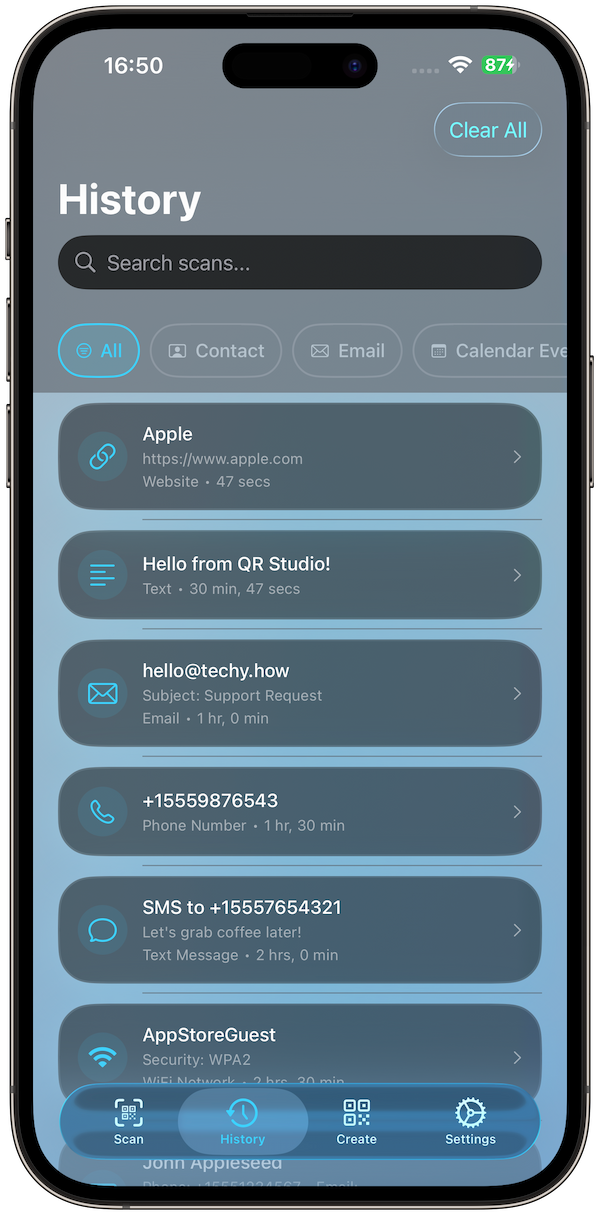
Searchable History
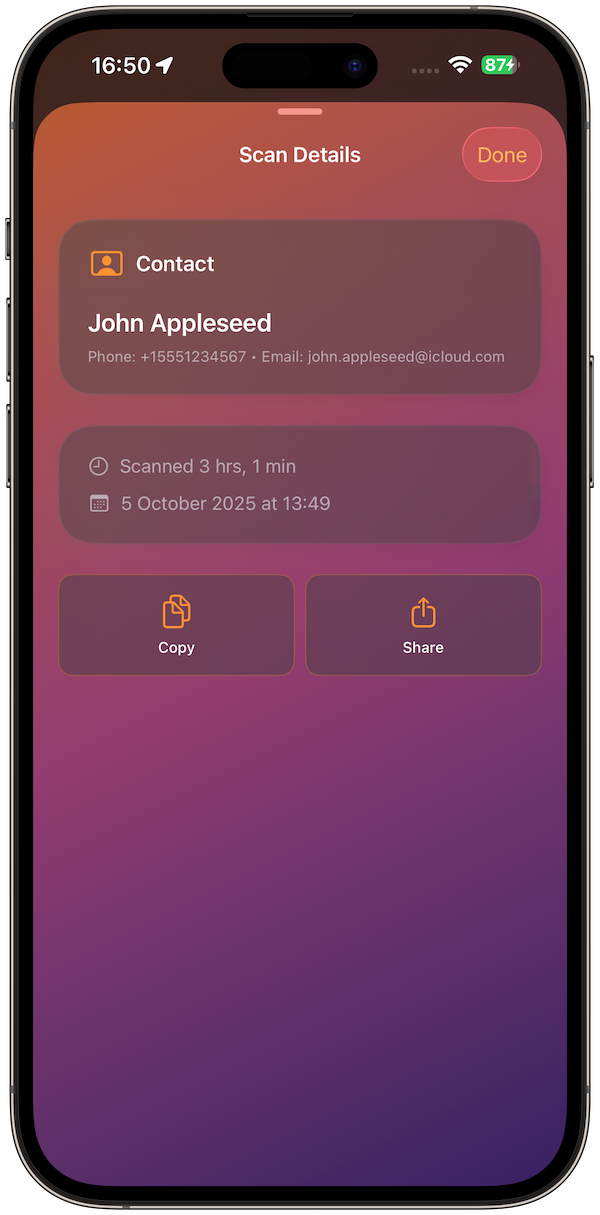
Scan Details
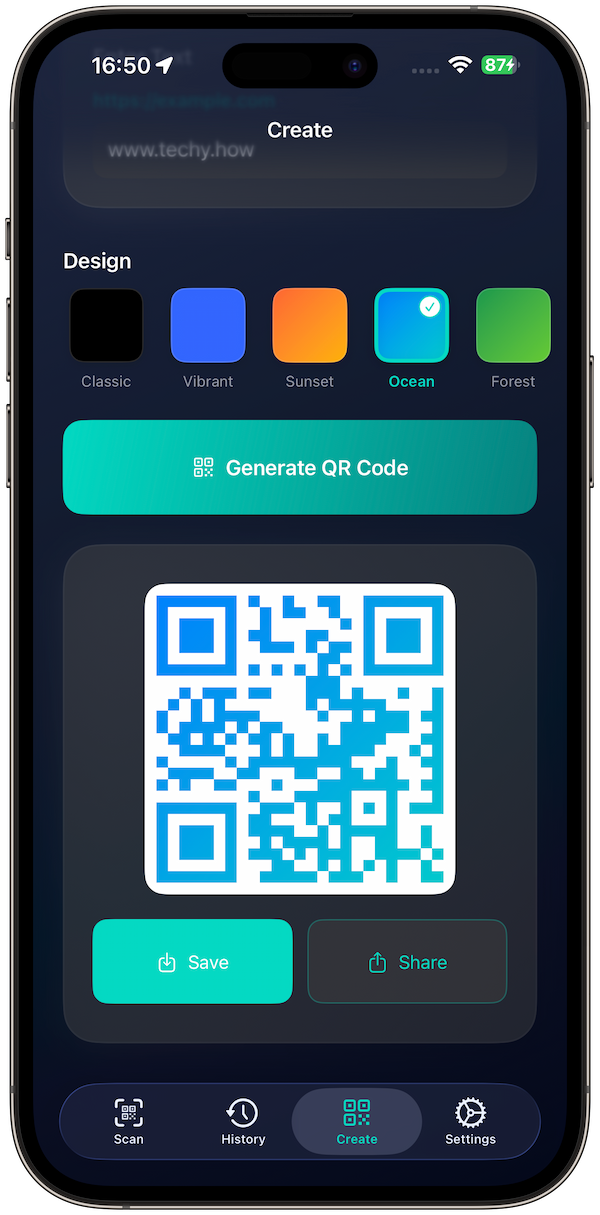
Generate QR
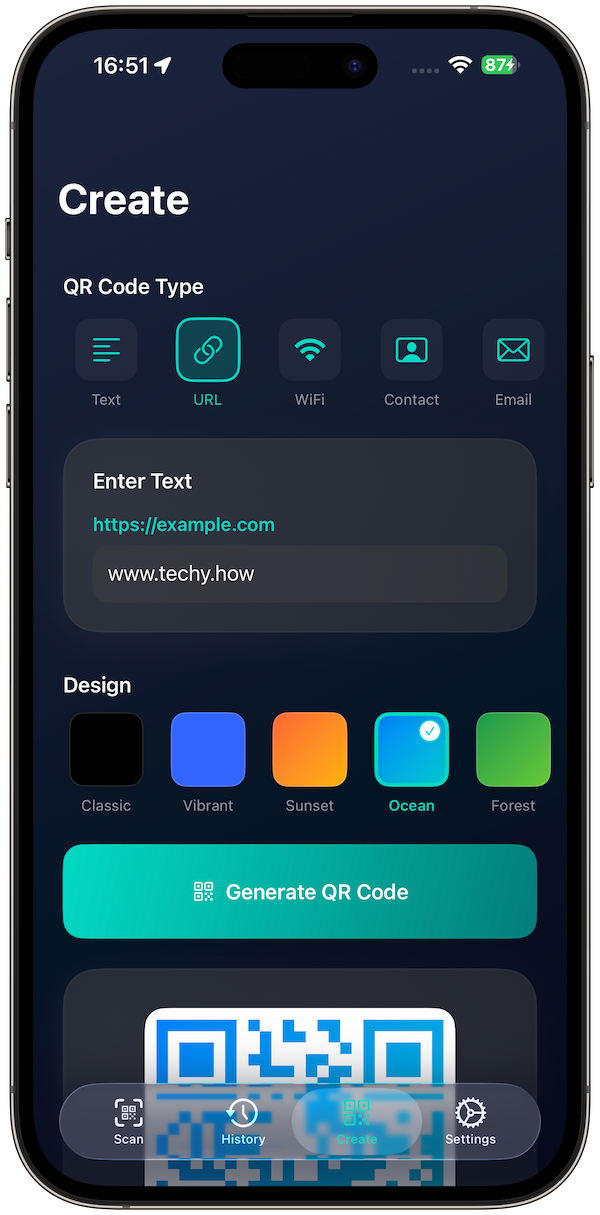
QR Types
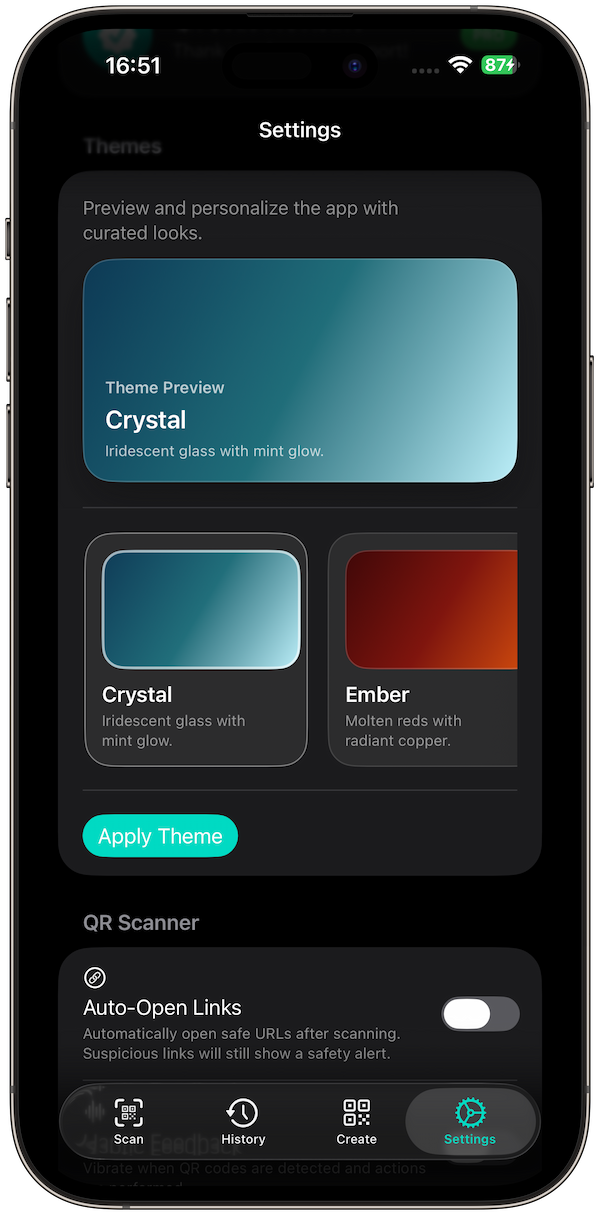
Custom Themes
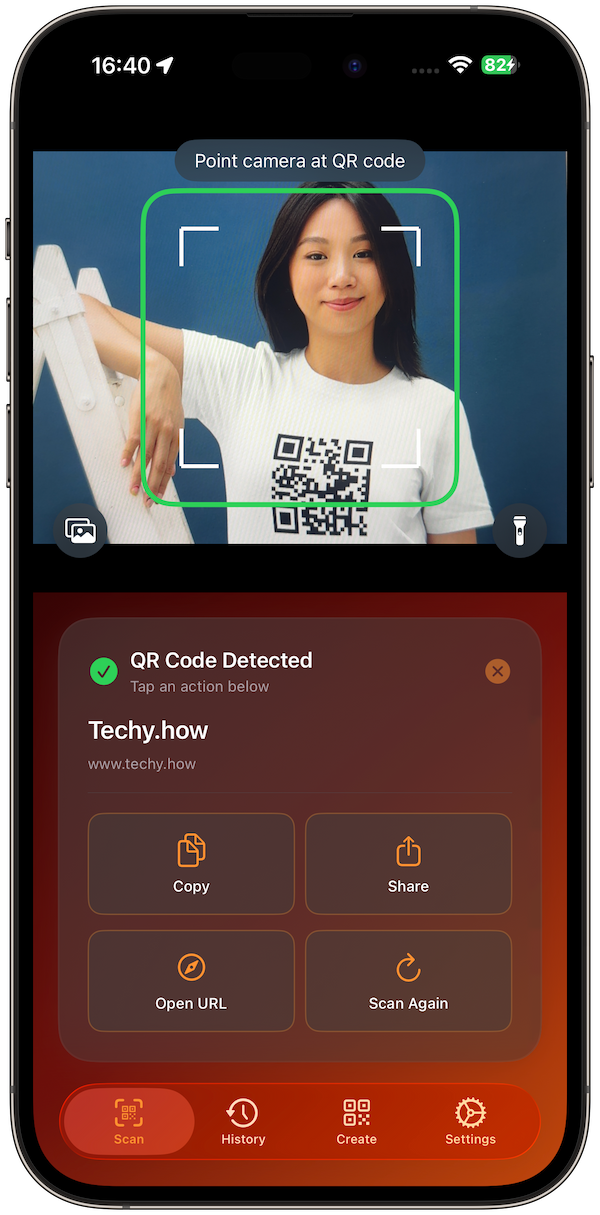
Instant Scan
Why you’ll love it
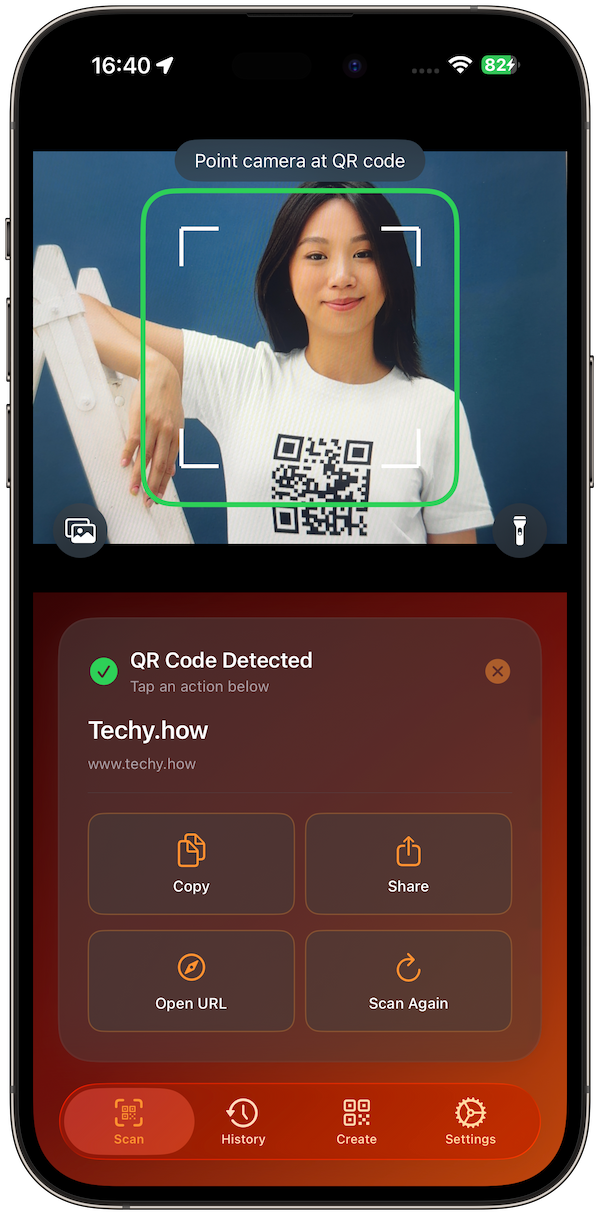
Instant scan, instant actions: Live camera preview with one-tap Open / Copy / Share; adds Add to Contacts/Calendar when relevant.
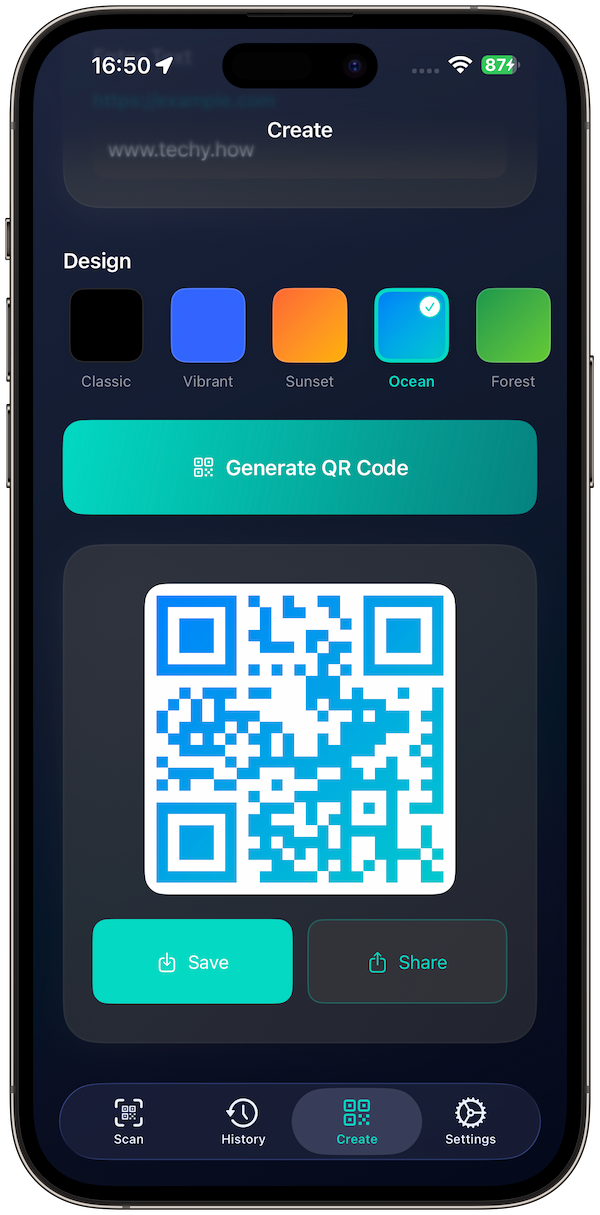
Create beautiful codes: Start with Text/URL; export crisp PNG/PDF with proper quiet zones (design presets included).
History that helps: See what you scanned, with type icons, timestamps, quick copy, and clear-all. (Local on device.)
Safety first: Clear domain preview and basic link checks before opening—stay in control.
Scan anywhere: From Camera, Photos, or Clipboard; works offline, no servers.
Looks the part: Modern themes and a clean iOS-style UI on iPhone and iPad.
How it works
Scan: Open the app and point at a QR. You’ll feel a haptic on detection and see context actions right away. Apps
Act: Open links, copy text, share, or add contacts/calendar items in one tap. Apps
Create: Pick Text/URL, choose a style, then Generate and export as PNG/PDF. Apps
History: Recent scans are stored locally so you can find and reuse them anytime.
Frequently Asked Questions
-
Yes. Scans, history, created codes, and settings are stored locally. The app doesn’t send your data to servers and contains no analytics or ads.
-
Most common payloads: URL, Wi-Fi, vCard, Event, Phone, Email, SMS, Text. Actions match the type (e.g., Add to Contacts, Join Wi-Fi).
-
Yes, start simple (Text/URL). Pro adds color & style controls and high-res PNG/PDF export for print.
-
Yes. Scanning and basic creation work offline. Link safety checks use local heuristics; opening a link requires internet.
-
Sign in with the same Apple ID on your device and tap Restore Purchases in Settings. Purchases are handled by Apple.