

Understand your charging habits, track full recharges, and get insights to extend battery life.
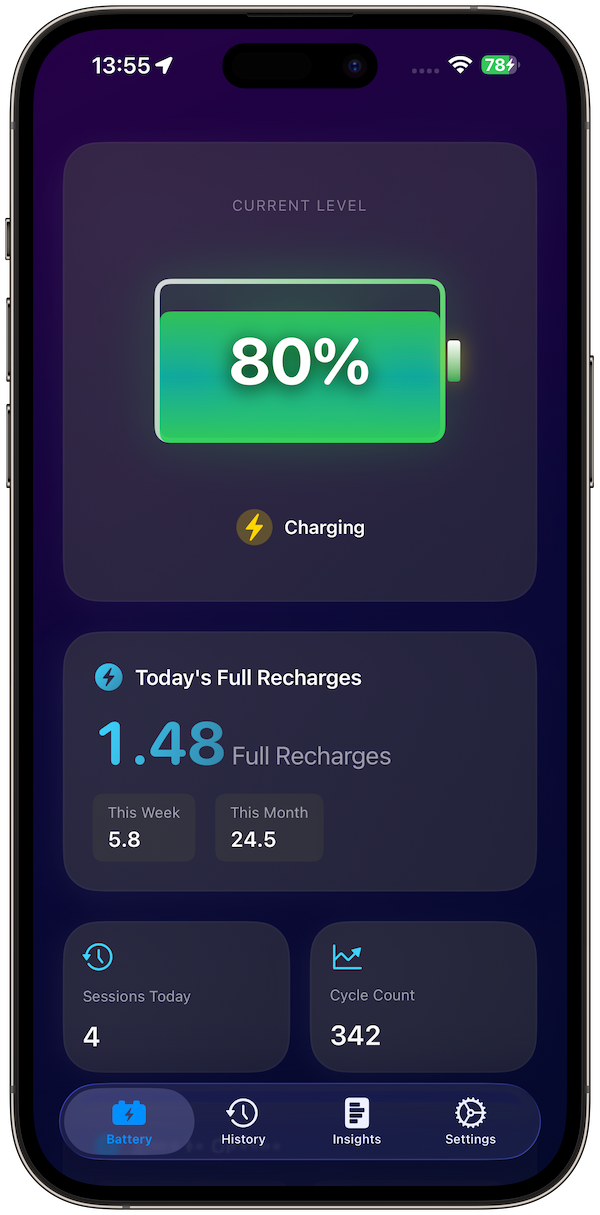
Smart Battery Monitor & Tracker

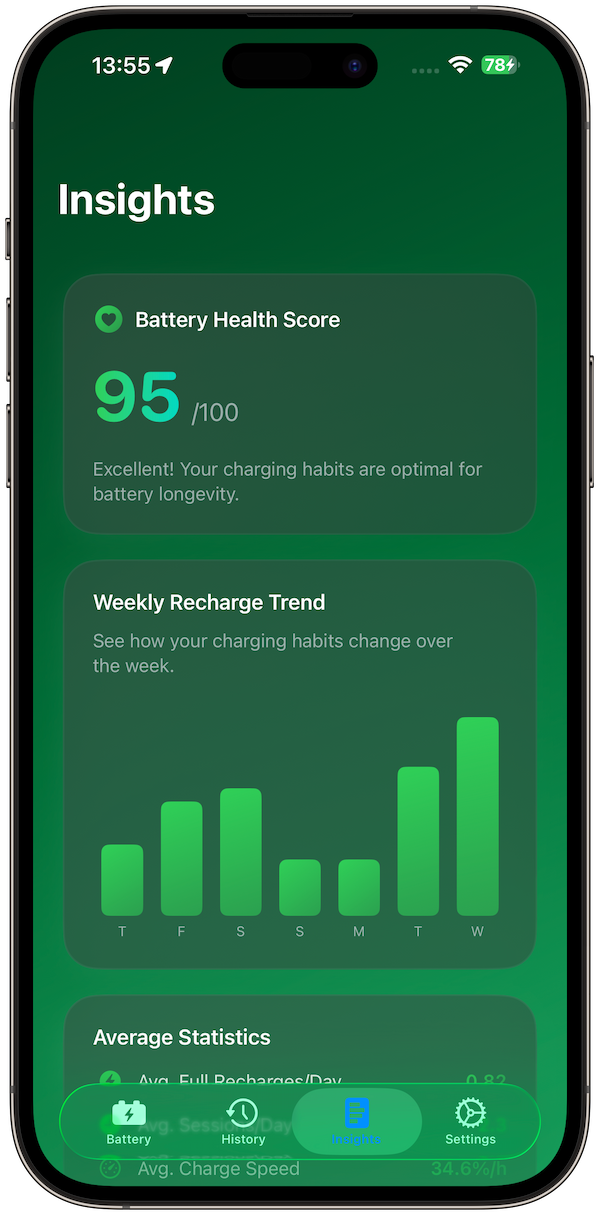
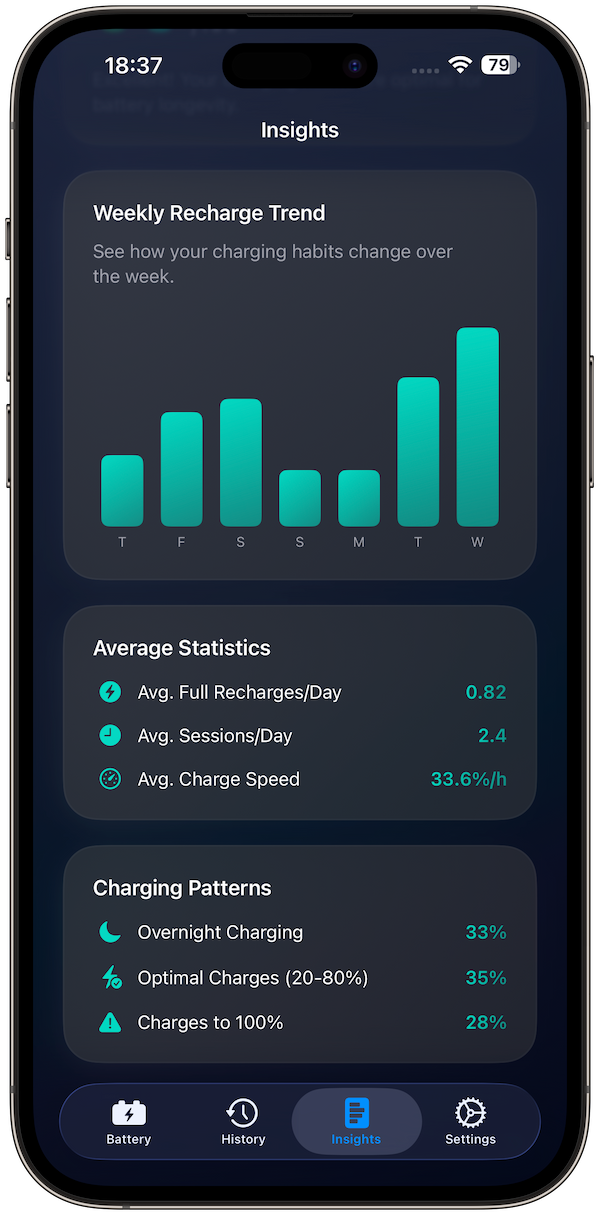
Health Insights
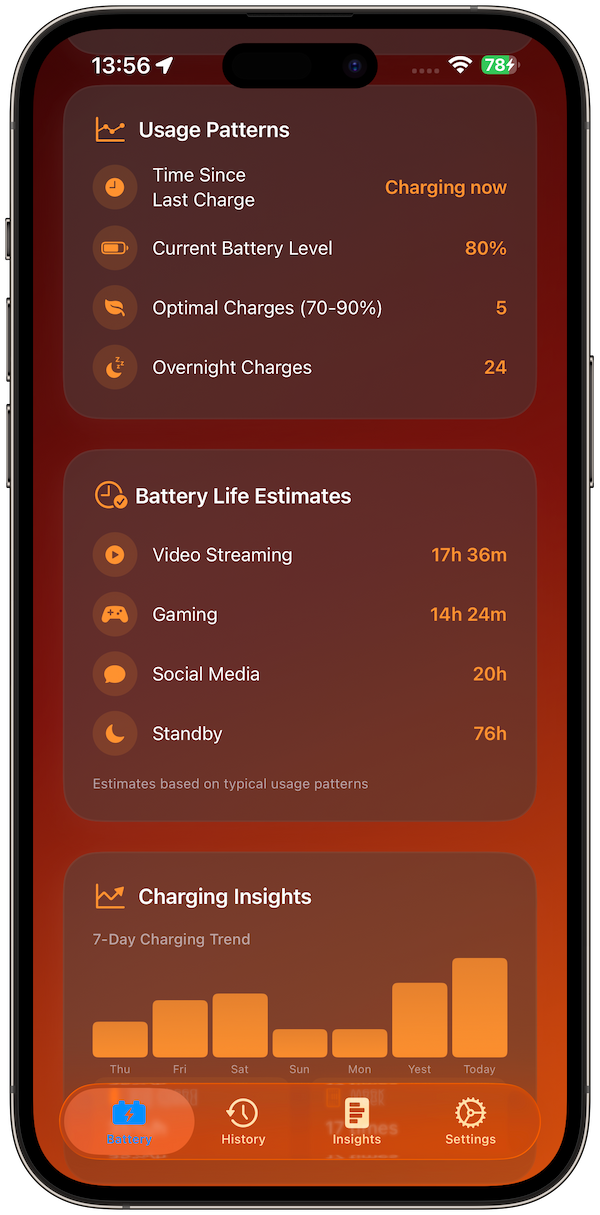
Usage Patterns
Charge History

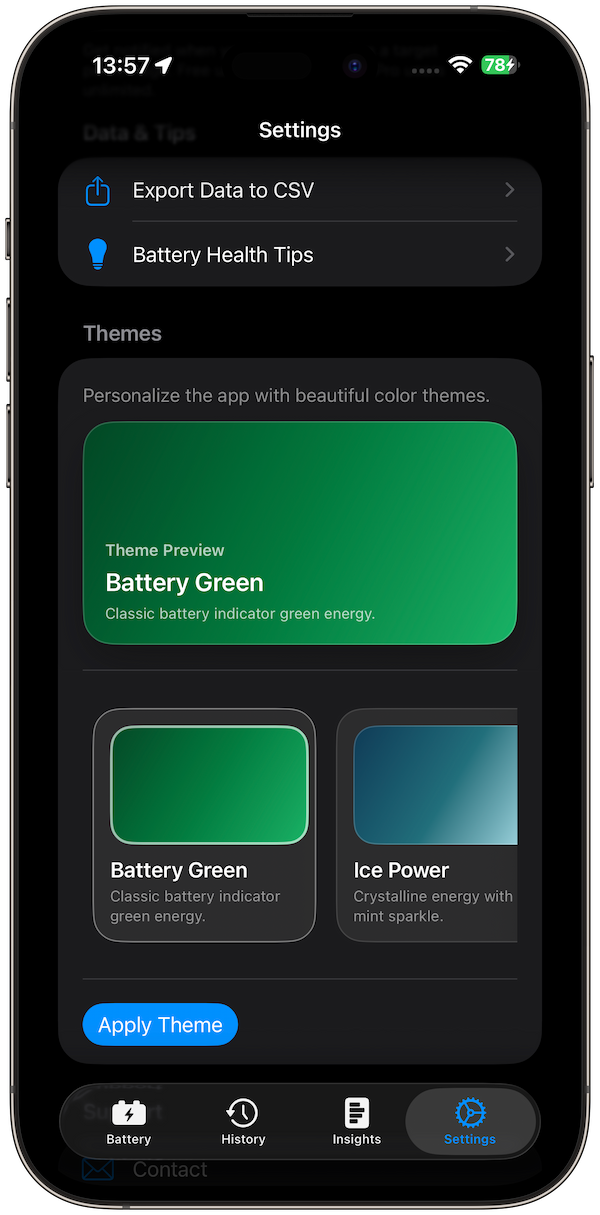
Custom Themes
Advanced Statistics
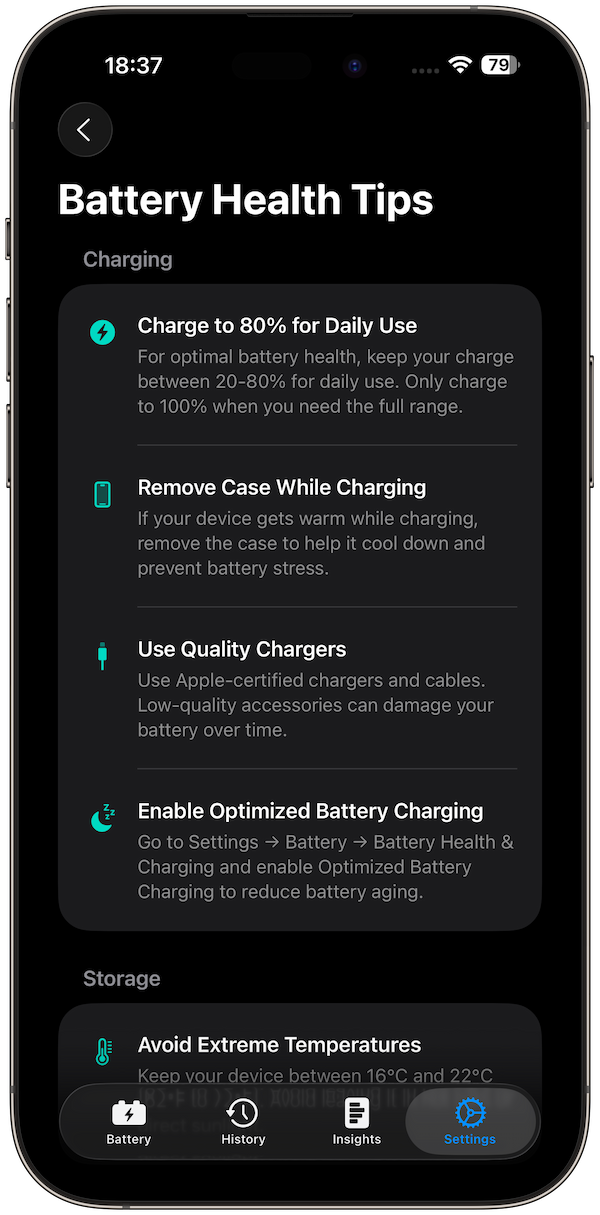
Battery Health Tips
🌟 Features with Benefits
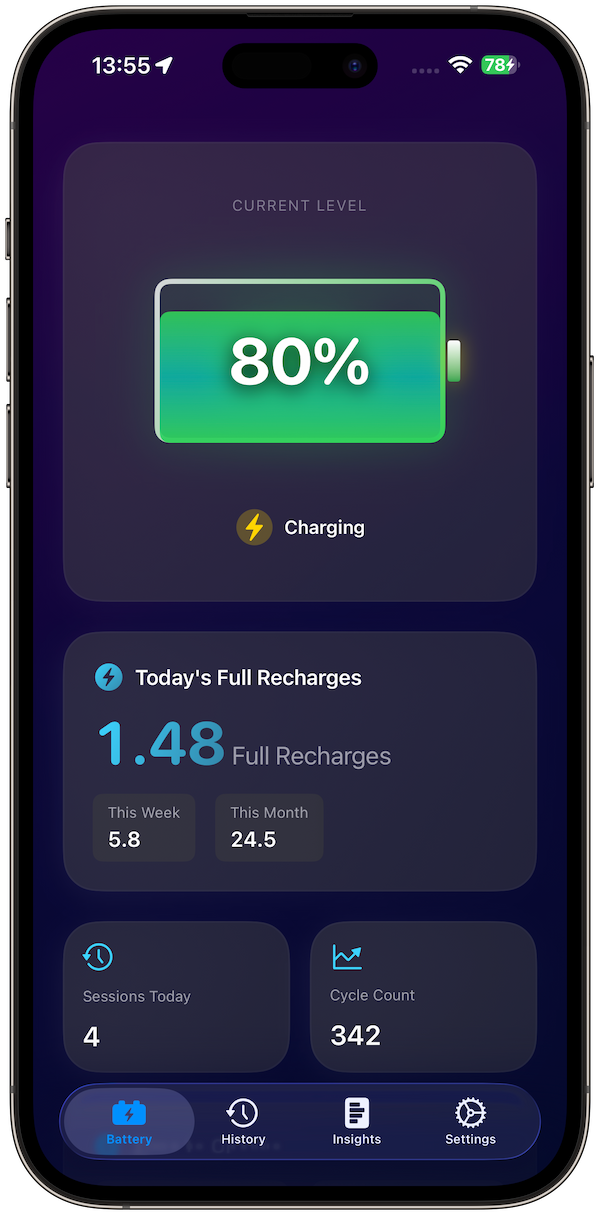
Real-Time Dashboard: See your current battery level, charging status, and progress at a glance.
Full Recharge Counter: Track how many “full recharges” your device goes through daily, weekly, and monthly.
Charge History: Log each charging session with start/end %, speed, and duration.
Health Insights: View recharge trends, usage patterns, and get a battery health score with recommendations.
Battery Life Estimates: Check how long your device can last for streaming, gaming, social media, and standby.
Smart Charge Alerts: Get notified at your chosen battery % (like 80%) to avoid overcharging.
CSV Data Export: Export charging history and insights to share or analyze in spreadsheets.
Custom Themes: Personalize your dashboard with 8 beautiful color themes.
Privacy by Design: All data stays on your device: no accounts, no tracking, no ads.
iPhone & iPad Support: Optimized layouts with a clean, Apple-style design.
How It Works
Plug in your device: The app automatically detects charging start/stop events.
Track charging sessions: Each session records start/end %, speed, and duration.
See full recharges: Daily, weekly, and monthly totals show how many cycles you’ve used.
View insights: Monitor usage patterns, charging habits, and get a health score.
Stay in control: Set charge alerts, export your data, and customize themes.
Frequently Asked Questions
-
Battery Health Pro monitors charging sessions, calculates full recharges, and provides insights to help you extend battery life.
-
Unlike iOS, Battery Health Pro tracks every charging session in detail, shows cycle estimates, charging speed, usage patterns, and provides a health score.
-
Full recharges combine all partial charges (e.g., charging +40% and later +60% = 1 full recharge). This matches how Apple measures battery wear.
-
Time-to-80% and 100% are calculated from your actual charging speed. Estimates improve as you use the app.
-
Yes. All battery and charging data stays on your device. No servers, no accounts, no ads.
-
No. The app works entirely offline. Internet is only used for the optional in-app purchase.
-
Battery Health Pro runs on iPhone and iPad with iOS 26 or later.
-
Free features include the dashboard, last 5 charging sessions, 1 charge alert, battery tips, and 2 themes.
-
Pro unlock gives unlimited history, unlimited alerts, CSV export, health score, charging insights, and 8 themes.
-
Yes. There are no ads, no social features, and no tracking: safe for all users.