
Tech How reference
QR Code Reader & Generator
Scan QR codes instantly and create your own, offline, private, and ad-free. History, safety checks, and clean design. iPhone & iPad.
Scan faster. Create cleaner. Keep it private.

A lightweight, ad-free QR toolkit for iPhone & iPad. Scan on-device with instant actions, create high-quality codes, and manage your history. No accounts, no tracking.

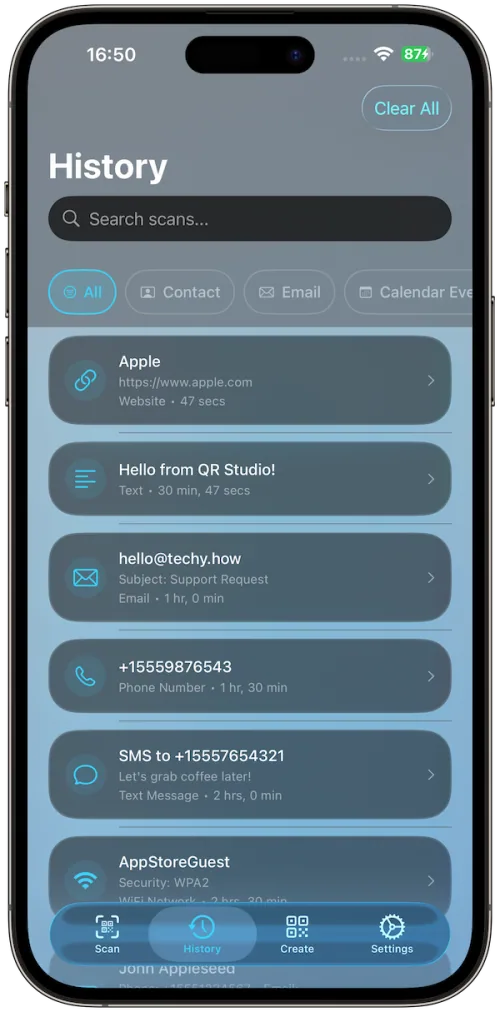
Searchable History
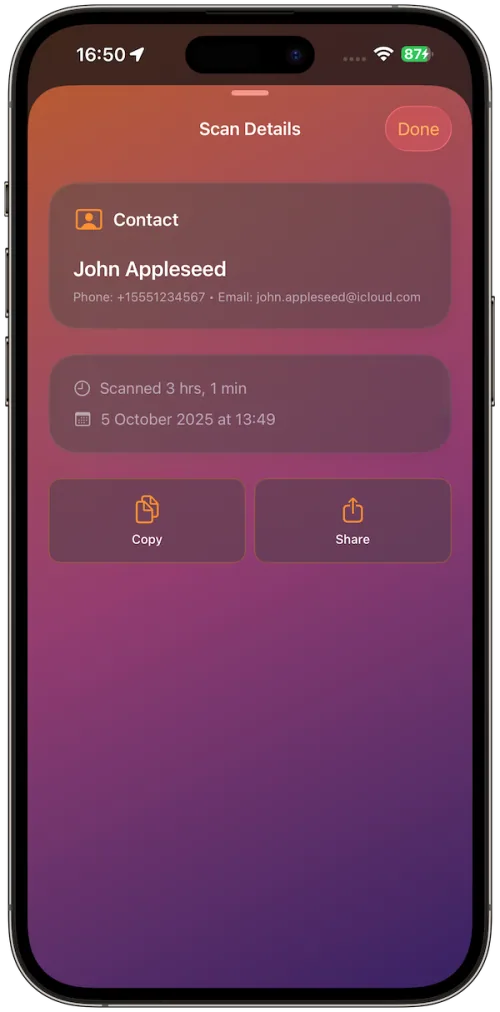
Scan Details
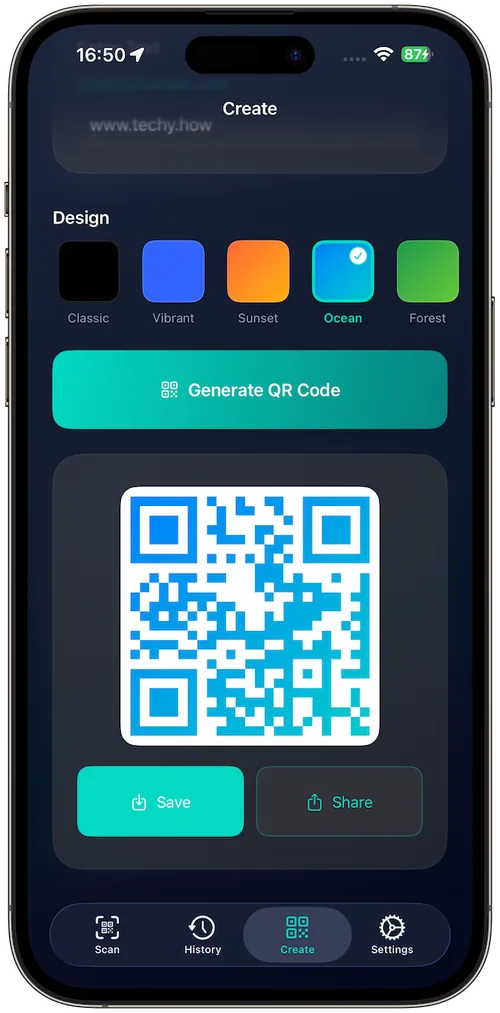
Generate QR
QR Types
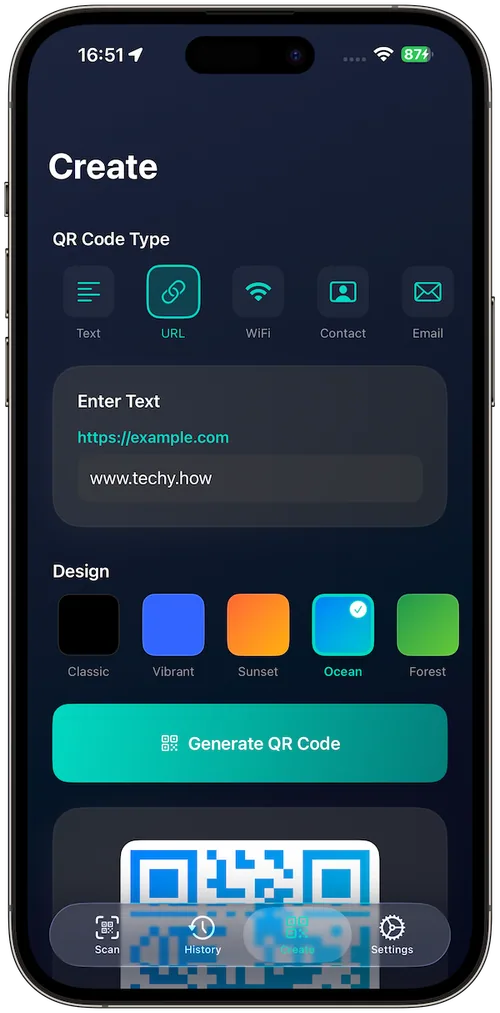
Custom Themes
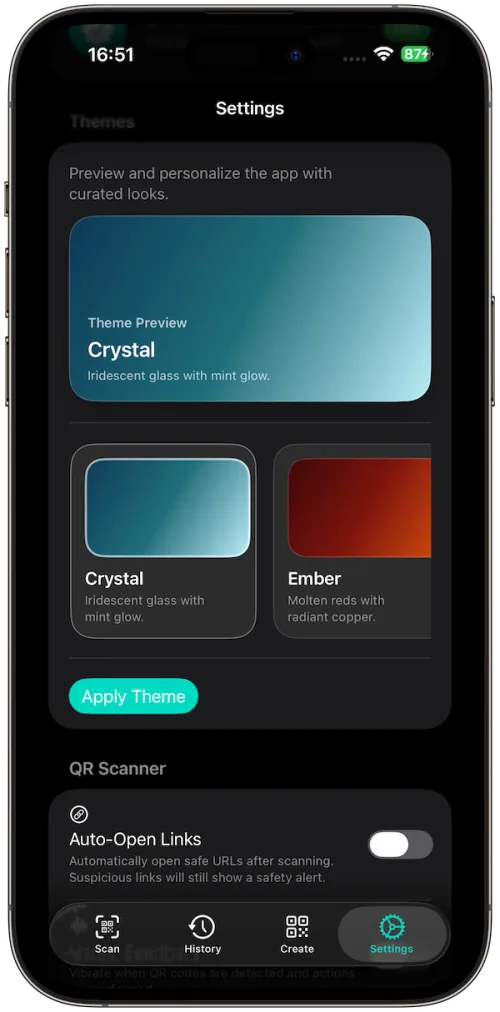
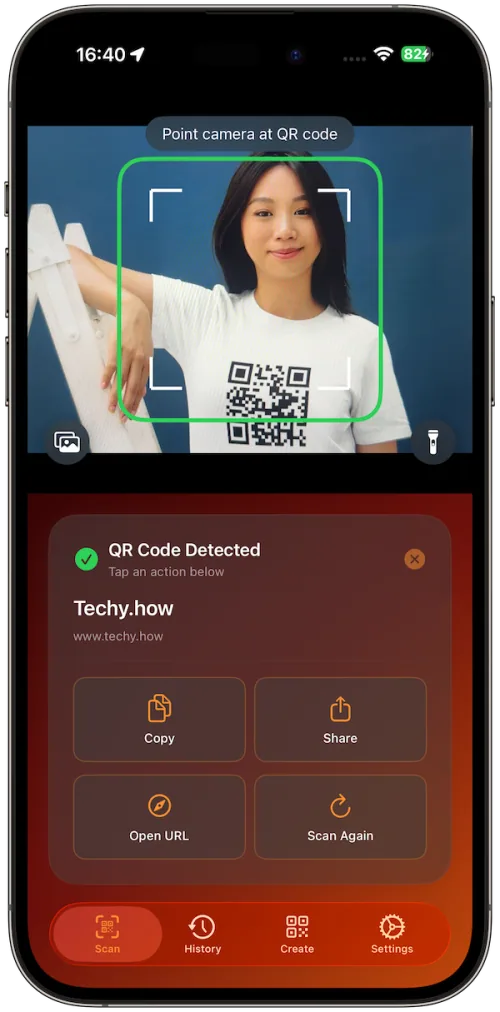
Instant Scan
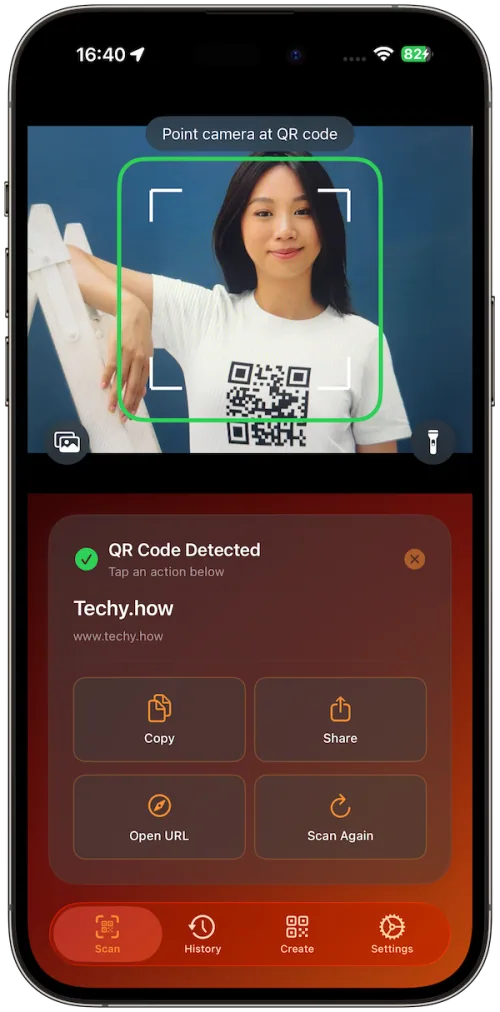
Why you’ll love it
Instant scan, instant actions: Live camera preview with one-tap Open / Copy / Share; adds Add to Contacts/Calendar when relevant.
Create beautiful codes: Start with Text/URL; export crisp PNG/PDF with proper quiet zones (design presets included).
History that helps: See what you scanned, with type icons, timestamps, quick copy, and clear-all. (Local on device.)
Safety first: Clear domain preview and basic link checks before opening—stay in control.
Scan anywhere: From Camera, Photos, or Clipboard; works offline, no servers.
Looks the part: Modern themes and a clean iOS-style UI on iPhone and iPad.
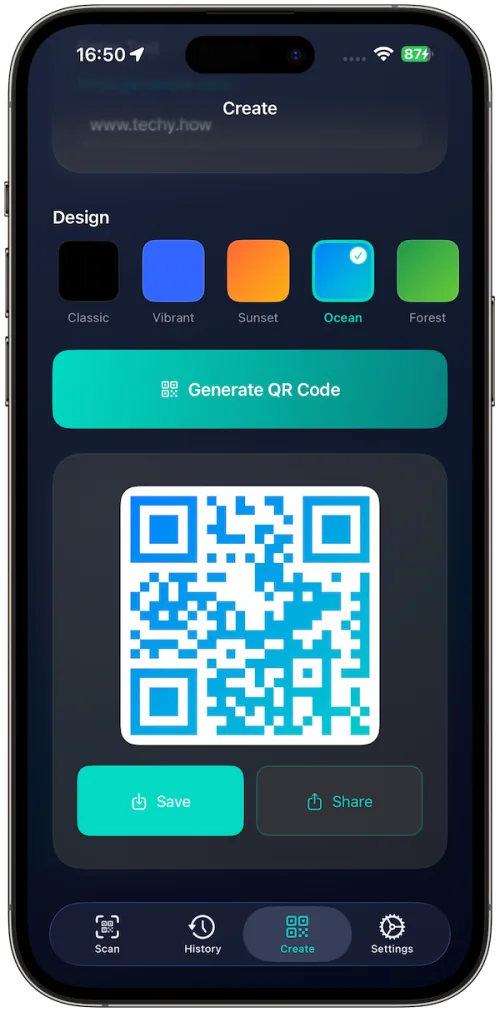
How it works
Scan: Open the app and point at a QR. You’ll feel a haptic on detection and see context actions right away. Apps
Act: Open links, copy text, share, or add contacts/calendar items in one tap. Apps
Create: Pick Text/URL, choose a style, then Generate and export as PNG/PDF. Apps
History: Recent scans are stored locally so you can find and reuse them anytime.