

Irrigation Scheduling Calculator (FAO-56) – Step-by-Step for iPhone
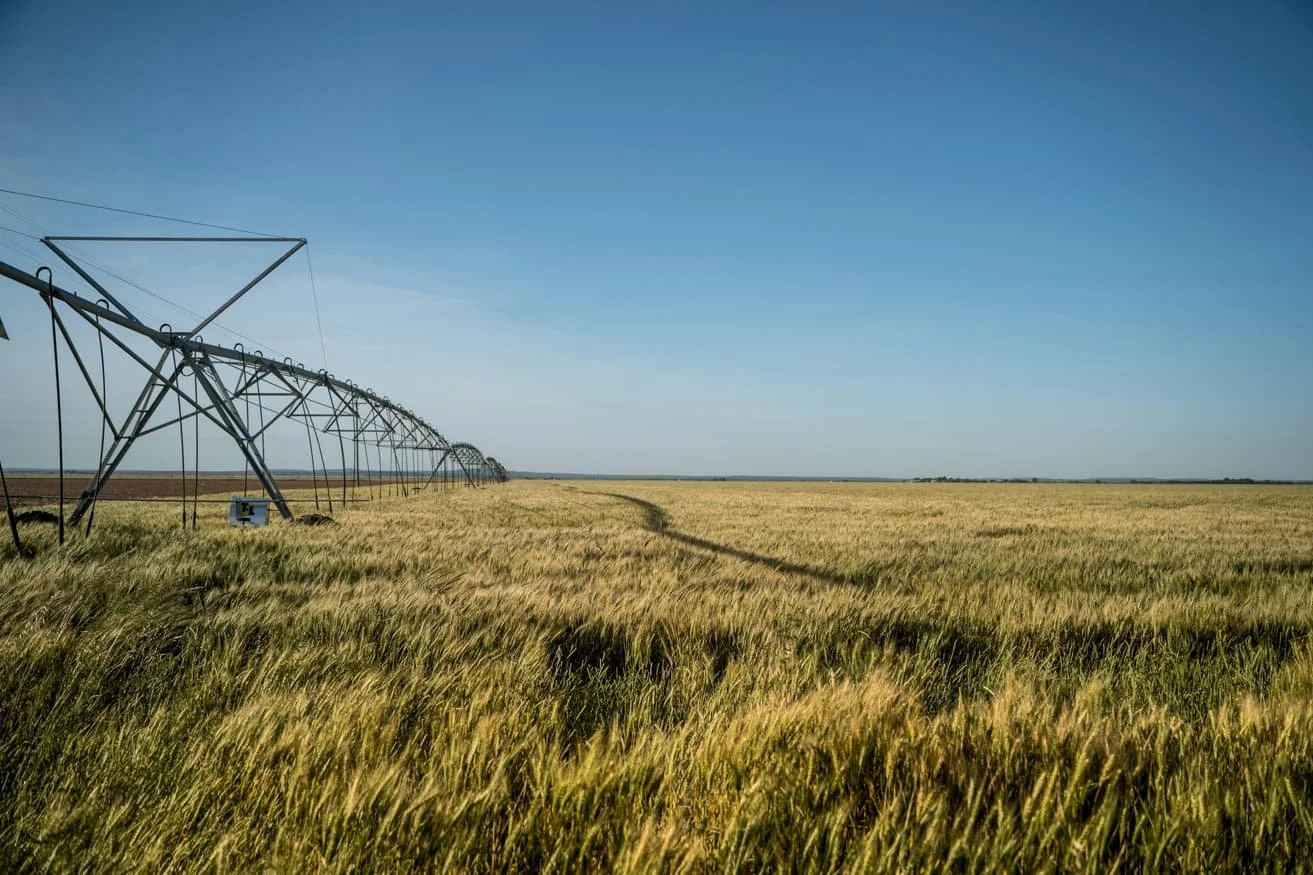
Why Use the FAO-56 Method for Irrigation Scheduling?
Agricultural best practices rely on FAO‑56, a globally recognized approach for calculating crop water needs using reference evapotranspiration (ET₀) and crop-specific coefficients (Kc). It ensures precision, adaptability across crops and climates, and improved yields with efficient water use.
How the “Checkbook” Water Balance Works
Irrigation scheduling is essentially like balancing a checkbook:
Deposits: rainfall and irrigation applications
Withdrawals: water lost through evapotranspiration (ET)
Trigger Point: apply water when soil moisture drops to a safe threshold
The relevant withdrawals are determined using ET₀ and Kc, while soil storage capacity defines how much you can “overdraw” before re-irrigating.
Step-by-Step: From Weather to Schedule Using Irrigation Calculator Pro
Let’s walk through how the Irrigation Calculator Pro app handles this process, from raw inputs to an actionable irrigation schedule.
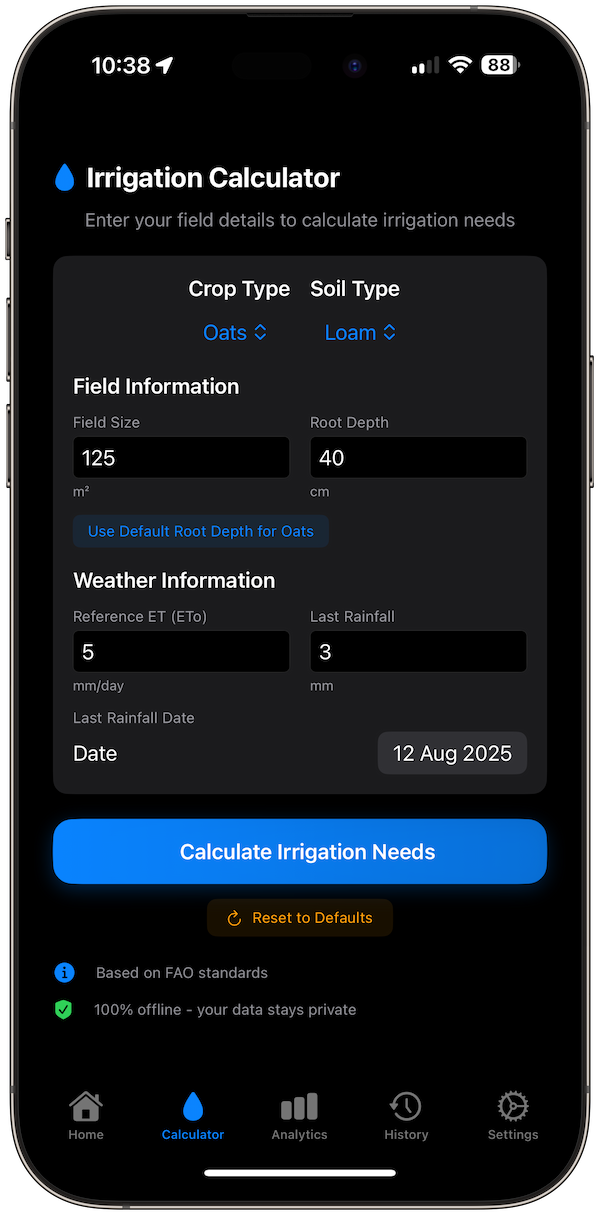
1. Gather Inputs in the App
Open Irrigation Calculator Pro, and enter:
Crop: Select from built-in options (e.g., wheat, tomatoes) or add your own. This sets the Kc value.
Soil Type: Choose between sandy, loamy, clay, etc., which defines Available Water Capacity (AWC).
ETo Value: Enter your ET₀, which you can get from your local weather station or data provider.
Recent Rainfall: Input the rainfall to offset your watering needs.
2. Understand the Calculation (Behind the Scenes)
The app applies the FAO‑56 formula:
ETc = ET₀ × Kc
Where ETc is the crop’s actual water requirement. The app subtracts recent rainfall and considers soil storage, estimating how much water to apply and when to irrigate next.
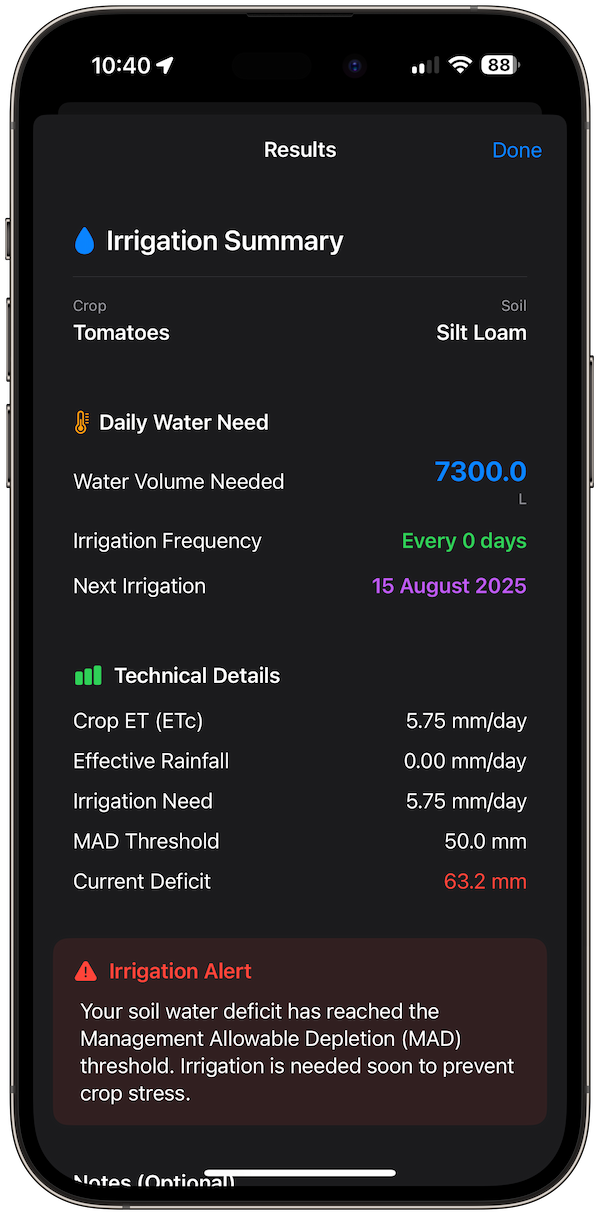
3. Get Your Instant Irrigation Plan
Tap Calculate Irrigation Needs, and the app instantly generates:
Water Volume Needed (e.g., liters or gallons)
Suggested Irrigation Interval (based on soil depletion and MAD, or “Management Allowed Depletion”)
Upcoming Watering Schedule (daily or weekly dates)
Why This Matters
Accuracy: Based on international FAO standards, no guesswork.
Privacy & Ease: Fully offline, no logins or data sharing.
Visual Planning: Visual schedules, history tracking, and export options make it practical and reusable.
Example Scenario
Scenario: You’re growing tomatoes (Kc ≈ 1.15 mid-season) on loamy soil with ET₀ = 6 mm/day and 10 mm of recent rain.
ETc = 6 × 1.15 = 6.9 mm/day.
Accounting for rainfall, the app calculates precisely how much to irrigate and when.
You get a clear schedule, e.g., “Irrigate 15 L every 3 days,” with calendar reminders.
Tips for Better Scheduling
Keep ET₀ Updated: Input accurate data from nearby weather stations.
Adjust Kc for Growth Stage: Update from early growth to maturity.
Switch Units as Needed: Use metric or imperial, your preference.
Track Over Time: Use the history tab for comparison and planning next seasons.
Final Thoughts
By combining the scientific rigor of FAO-56 with intuitive, offline-first design, Irrigation Calculator Pro transforms a complex process into a few taps on your iPhone, so you spend less time calculating and more time growing.