
AI · Platform not recorded
How To Access Bing’s Chat GPT 4.0 - Waitlist Tutorial
Original source date
Answer
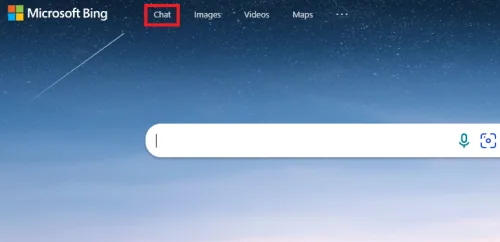
Open up your favorite browser, in this case, Google Chrome and head over to Bing.com. On this page, you should see this new “Chat” tab. Click on Chat, and this window will open up, informing you that you can join the waitlist to get access to the new Chat Mode.
Join The Bing Chat Mode Waitlist
Open up your favorite browser, in this case, Google Chrome and head over to Bing.com. On this page, you should see this new “Chat” tab. Click on Chat, and this window will open up, informing you that you can join the waitlist to get access to the new Chat Mode.
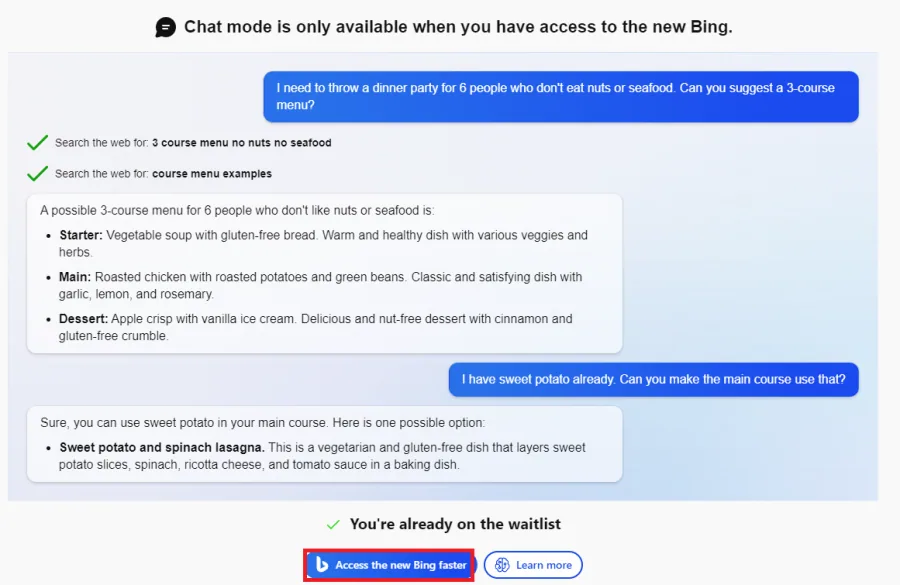
Access Bing Chat (GPT 4.0) Faster
Click on Access the new Bing faster, or select Join Waitlist. This option is no longer available on my account, as we have already joined the waitlist. Make sure that the correct email address is associated with your account, and you can then join the waitlist and receive the confirmation email that you are added to the list.
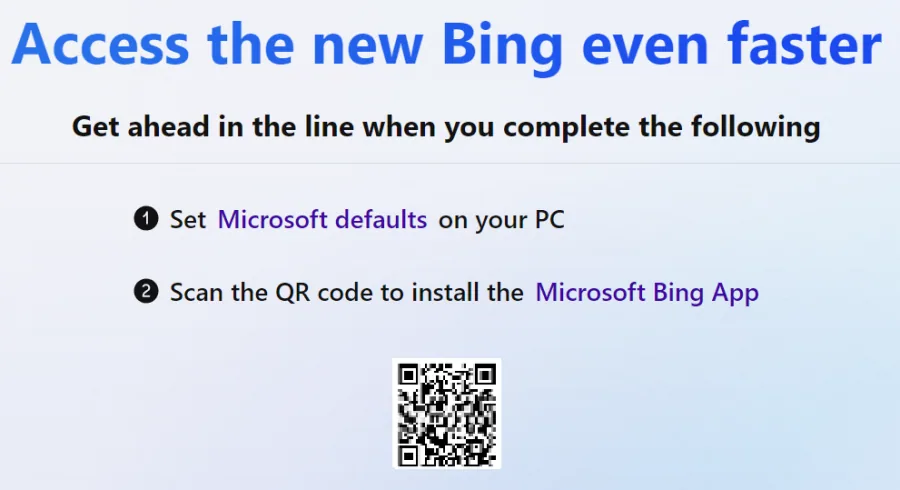
While waiting to get full access to Chat Mode, there are a few things you can do…
While waiting to get full access to Chat Mode, there are a few things you can do to get access with your account faster or to try out the new chat on your PC with pre-written prompts. Click on Access the new Bing faster. You will be asked to set Microsoft Bing Search as your default search on your browser by installing a browser extension from Microsoft. Next, you can scan the QR code on your screen to download the latest Microsoft Bing application to your device, a new and improved version of the original search engine, now with Chat.
Test Bing Chat (GPT 4.0)
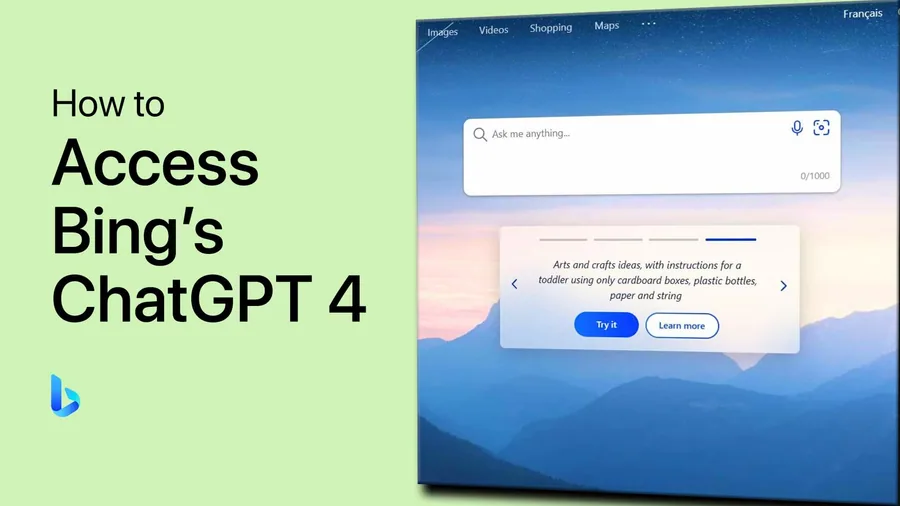
On the main Bing Chat page, scroll down, and select one of the prompts. This will open the search page and will generate text with GPT 4, but you won’t be able to further chat with it at the moment. This should change in the coming days if you joined the waitlist. More and more users are notified that they can now access Bing chat! Click here to see how to access Bing chat if you joined the waitlist.
Video walkthrough
If it does not work
- What is Bing's Chat GPT 4.0 and how does it work?. Bing's Chat GPT 4.0 is a state-of-the-art language model. It uses advanced natural language processing algorithms to understand and respond to human speech or text inputs. This allows you to interact with it in a conversational manner, just as you would with another person.
- Why do I need to be on the waitlist for Bing's Chat GPT 4.0?. Due to the high demand for Chat GPT 4.0 and its limited availability, Bing has implemented a waitlist system to ensure that everyone gets a chance to experience its powerful capabilities. By being on the waitlist, you'll be notified as soon as it becomes available to you.
- How do I get on the waitlist for Bing's Chat GPT 4.0?. Getting on the waitlist for Bing's Chat GPT 4.0 is simple and straightforward. All you have to do is follow the steps outlined in our tutorial, and you'll be well on your way to being one of the first people to experience this amazing technology.
- Can I use Chat GPT 4.0 on any device or platform. Chat GPT 4.0 is currently available on a variety of devices and platforms, including Windows, Mac, Linux, and mobile devices.
- What kind of tasks can I perform using Bing's Chat GPT 4.0?. The possibilities are virtually endless with Bing's Chat GPT 4.0. You can use it to access information, complete tasks, and solve problems with ease. Whether you're looking for information about a specific topic, need help with a technical problem, or simply want to have a conversation with a highly advanced AI, Chat GPT 4.0 has you covered.