
Windows 11 · Windows
Fix a microphone not working in Windows 11
Source-checked About 10 minutes
Answer
Allow microphone access, choose the correct input, test it in Sound settings, check mute and connections, then update or reinstall the audio driver.
Identify and test the exact audio device
Confirm the exact microphone, headphones, port or wireless connection, then record the selected Windows input and output, volume, mute state, app permission, and result in another trusted recording or playback app. Keep gain low while testing to protect hearing and avoid feedback. Change one mixer, enhancement, format, permission, or driver setting at a time.
Start with the supported check
Open Settings > Privacy & security > Microphone and enable access for apps and desktop apps.
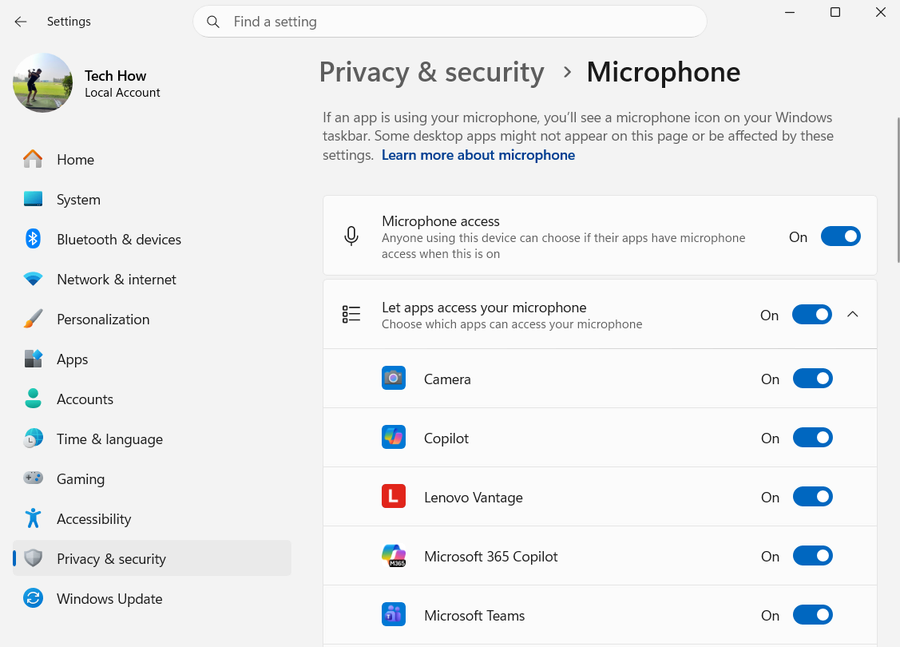
Apply the current setting
Open Settings > System > Sound > Input, choose the microphone, and run a test.
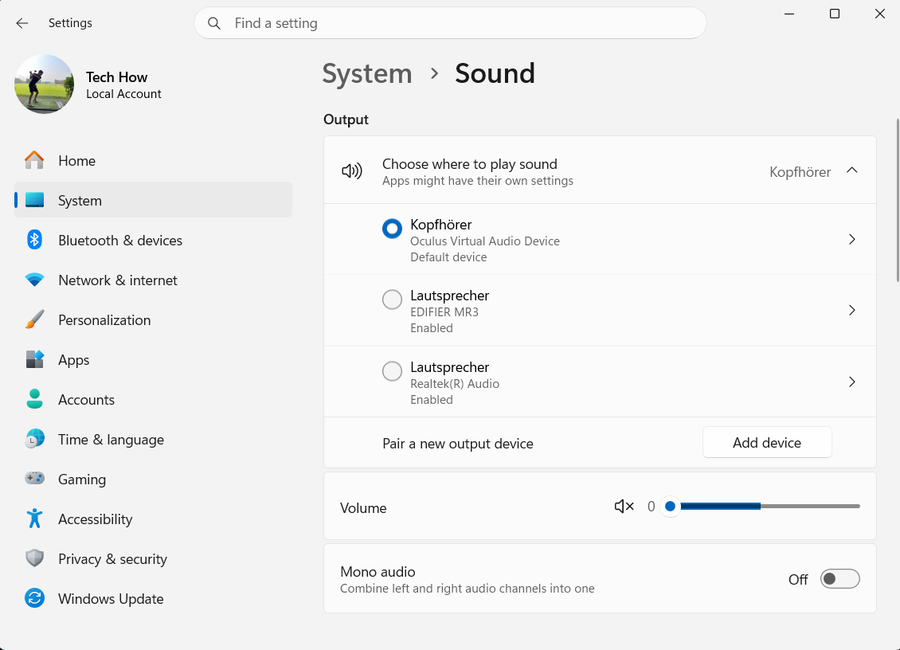
Test the result
Check cables, Bluetooth pairing, and hardware mute controls.
Escalate safely
Run the recording troubleshooter and update or reinstall the audio driver if Windows does not detect the device.
Verify the intended result before broader recovery
Repeat the exact task described by “Fix a microphone not working in Windows 11” with a harmless test. Confirm the affected app, account, device, file or setting now matches the Answer, then recheck it after one fresh session or restart when that is part of the supported workflow. Keep the original data and recorded starting state until the result is stable; if only one component still fails, keep further recovery limited to that component.
Video walkthrough
If it does not work
- If Windows still receives no input, verify the selected microphone, hardware mute, privacy permission, app routing and another recording application. Test another port or computer where possible and use the exact device driver rather than generic audio packages.
Sources and verification
Checked against official documentation on . Scope: Windows.
Follow the linked first-party guidance if labels differ after a platform update.