
Windows 11 · Windows
Fix a Deactivated Windows 11 License or Activation Warning
Source-checked About 10 minutes
Answer
Open Activation settings, record the exact error code, run the Activation troubleshooter, and confirm the installed Windows edition matches your digital license or product key.
Prepare the correct account, device, files, and recovery path
Confirm the exact Windows edition, active account, device ownership, hardware model, current updates, and full error before changing apps, drivers, permissions, activation, networking, or system settings. Save important work and create an appropriate recovery route. Use Microsoft or the hardware maker's exact supported package; avoid activation scripts, generic drivers, registry cleaners, permission takeovers, and commands copied for a different symptom.
Check activation status
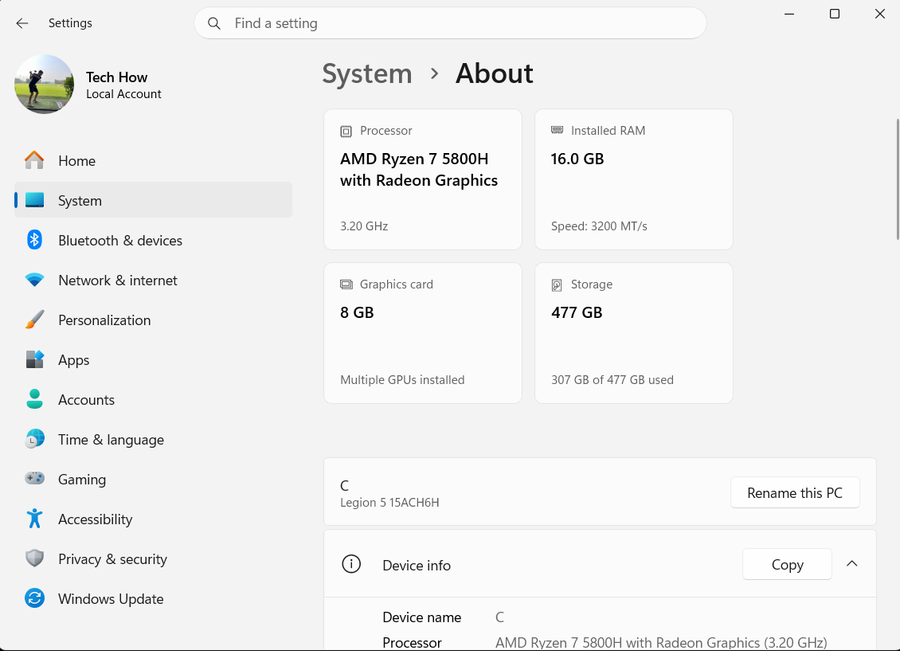
Open Settings > System > Activation and note the status, Windows edition, and full error code.
Run Microsoft's troubleshooter
Select Troubleshoot on the Activation page or run the Windows Activation troubleshooter in Get Help.
Match the license and edition
Confirm a Home license is not being used for Pro, or vice versa. Enter a valid 25-character key only through Activation settings.
Reactivate after hardware changes
Sign in with the Microsoft account linked to the digital license, choose I changed hardware on this device recently, and select the matching device.
Escalate managed or invalid licenses
For KMS or volume licensing, contact the organization. For a newly purchased invalid key, contact the seller or device manufacturer.
Verify the result before making broader changes
Repeat the exact task described in “Fix a Deactivated Windows 11 License or Activation Warning” and confirm the intended account, device, file, app, or service now behaves as described in the Answer. Check any changed setting again after one restart or fresh session where appropriate, and preserve the original data until the result is stable. If only one app, account, network, or file remains affected, keep the next recovery step limited to that scope.
Video walkthrough
If it does not work
- If activation still fails, preserve the edition and error code and contact the genuine license source or organization. Never use unauthorized keys, scripts, KMS tools, or registry edits.
Sources and verification
Checked against official documentation on . Scope: Windows.
Follow the linked first-party guidance if labels differ after a platform update.