
Windows 11 · Windows
Fix Wi-Fi That Keeps Disconnecting in Windows 11
Source-checked About 10 minutes
Answer
Update the router and Wi-Fi driver, forget and reconnect to the network, test signal and power conditions, then generate a wireless report if disconnects continue.
Determine whether the PC or network disconnects
Record the PC model, Wi-Fi adapter and driver, network name, signal, disconnect times, and whether another device drops from the same router. Avoid broad network resets and registry tweaks.
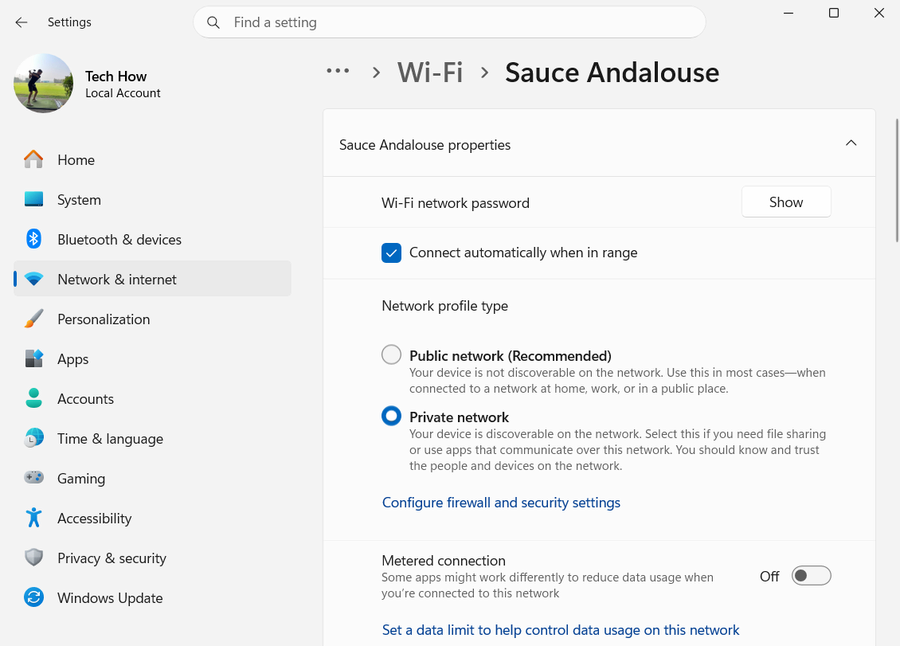
Check the signal and router
Move closer to the router, restart it, install its official firmware update and test another device on the same Wi-Fi.
Recreate the connection
Forget the network in Manage known networks, restart Windows and reconnect with the correct password.
Update the adapter
Install Windows updates and the current Wi-Fi driver from the PC manufacturer. Roll back only if the issue began immediately after a driver update.
Collect evidence
Run netsh wlan show wlanreport in Terminal and review disconnect reasons. Share that report with the PC, adapter or network administrator.
Verify a stable connection
Use the same Wi-Fi through the period that normally disconnects, restart Windows, and confirm it reconnects automatically. Compare the new wireless report with the recorded failure time.
Send the report to the correct owner
If every device disconnects, contact the router or network owner. If only this PC disconnects, send the wireless report, adapter model, driver version and timestamps to the PC or adapter maker.
Video walkthrough
If it does not work
- If “Fix Wi-Fi That Keeps Disconnecting in Windows 11” remains unresolved, identify the first numbered step that produces a different result and preserve that screen, log, file, or message. Recheck the specific account, permission, storage, connection, driver, or hardware prerequisite above, then follow only the matching Microsoft Support recovery path; do not combine unrelated resets, bypasses, unofficial installers, or third-party repair tools.
Sources and verification
Checked against official documentation on . Scope: Windows.
Follow the linked first-party guidance if labels differ after a platform update.