
iOS · iPhone & iPad
Fix WhatsApp iCloud Backup Stuck or Not Completing on iPhone
Source-checked About 10 minutes
Answer
Verify iCloud Drive, the Apple Account, free iCloud and iPhone storage, Wi-Fi, and WhatsApp backup settings before retrying.
Verify account and iCloud Drive
Use the same Apple Account, turn on iCloud Drive, and confirm WhatsApp is allowed to use iCloud.
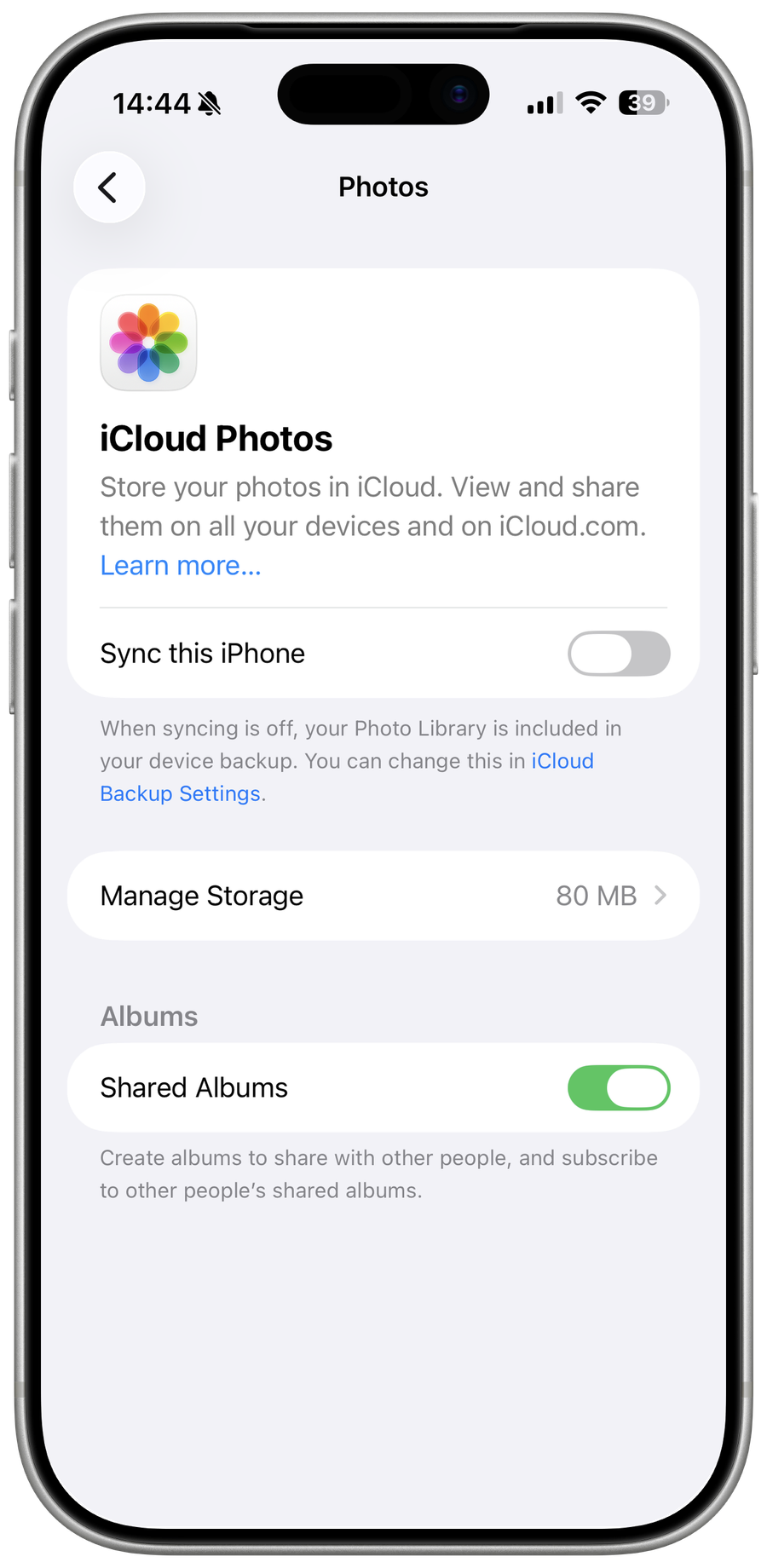
Check both storage limits
Keep adequate free space in iCloud and on the iPhone; a backup can need substantially more working space than its displayed size.
Reduce and retry
Use reliable Wi-Fi and power, exclude videos when necessary, restart WhatsApp and iPhone, then start a manual backup.
Protect encrypted backup access
Keep the password or 64-digit key for an end-to-end encrypted backup; WhatsApp and Apple cannot recover it.
Video walkthrough
If it does not work
- If “Fix WhatsApp iCloud Backup Stuck or Not Completing on iPhone” remains unresolved, identify which numbered step first produces a different result and preserve that screen or message. Recheck the account, permission, storage, connection, or device prerequisite described above, then follow only the matching WhatsApp Help Center recovery path; do not combine unrelated resets, bypasses, or third-party repair tools.
Sources and verification
Checked against official documentation on . Scope: iPhone & iPad.
Reviewed against the linked first-party guidance; interface labels can vary by current app, service, or operating-system version.