
Gaming · Platform not recorded
Shindo Life - How To Customize Character, Colors, Elements & Bloodline
Original source date
Answer
After launching the Shindo Life Roblox experience, access the Edit mode from your game mode selection screen. Here, you have access to a range of customization options. Change your hairstyle, face, beard, and so on by clicking on the arrows next to the label. Select the plus icon under your hair to add a second hairstyle, and click on Hair Color; before switching the color in your color, select the window on the right side of your screen. You can change your outfit and character as well as its colors before saving your changes.
Shindo Life Edit Mode
After launching the Shindo Life Roblox experience, access the Edit mode from your game mode selection screen.
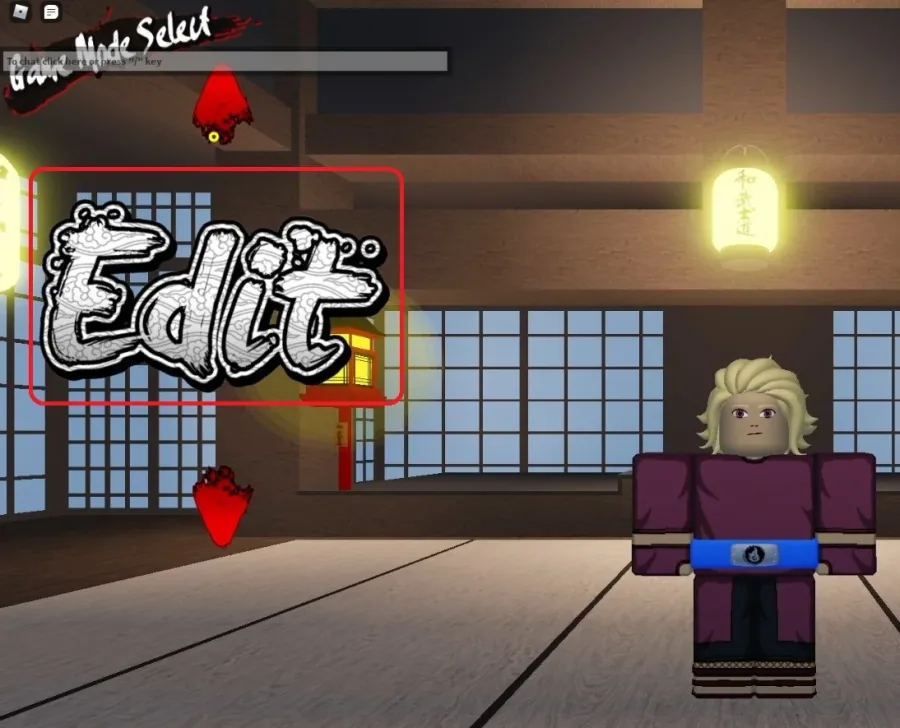
Customize Shindo Life Character
Here, you have access to a range of customization options. Change your hairstyle, face, beard, and so on by clicking on the arrows next to the label. Select the plus icon under your hair to add a second hairstyle, and click on Hair Color; before switching the color in your color, select the window on the right side of your screen. You can change your outfit and character as well as its colors before saving your changes.
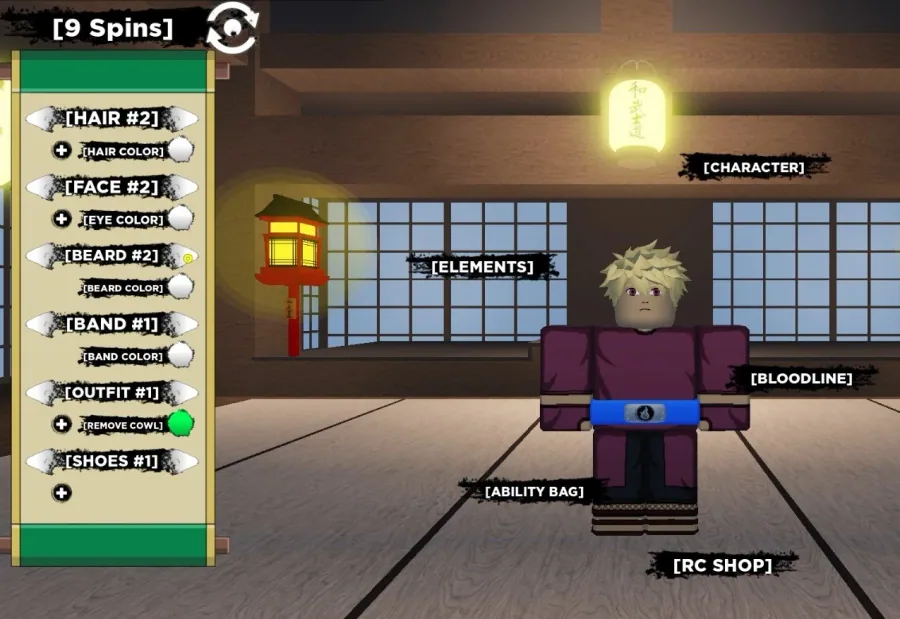
Change Accessories & Colors
You have access to some additional settings on the right side of your screen. Change your coat and up to 3 additional accessories, though you must have a certain level to use most of these accessories. Below, change your skin color before completing the customization.
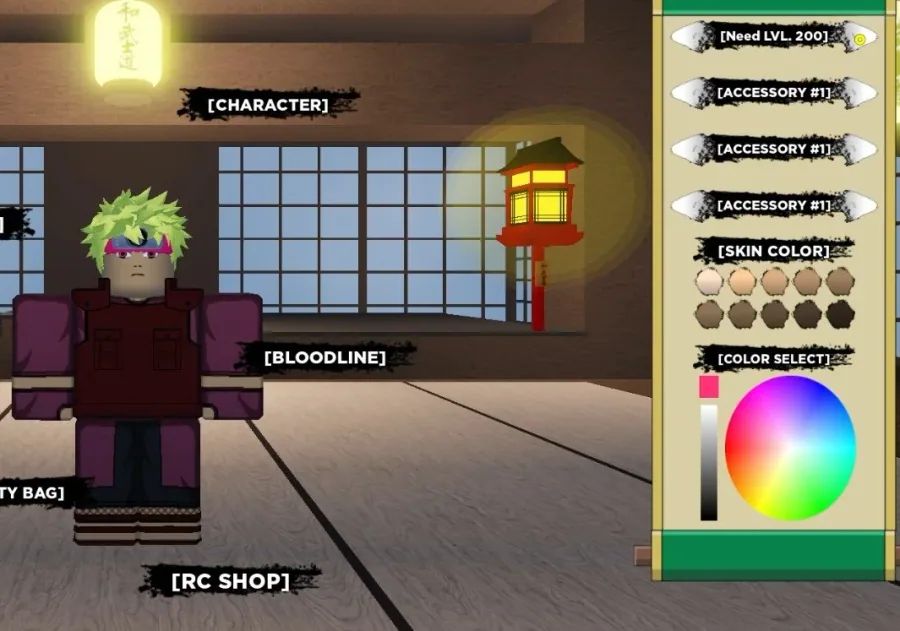
Change Shindo Life Elements, Bloodline & Ability Bag
When this is done, select Elements, Bloodline, or Ability Bag to change your current character’s abilities. You will see the option to spin for different items in the game.
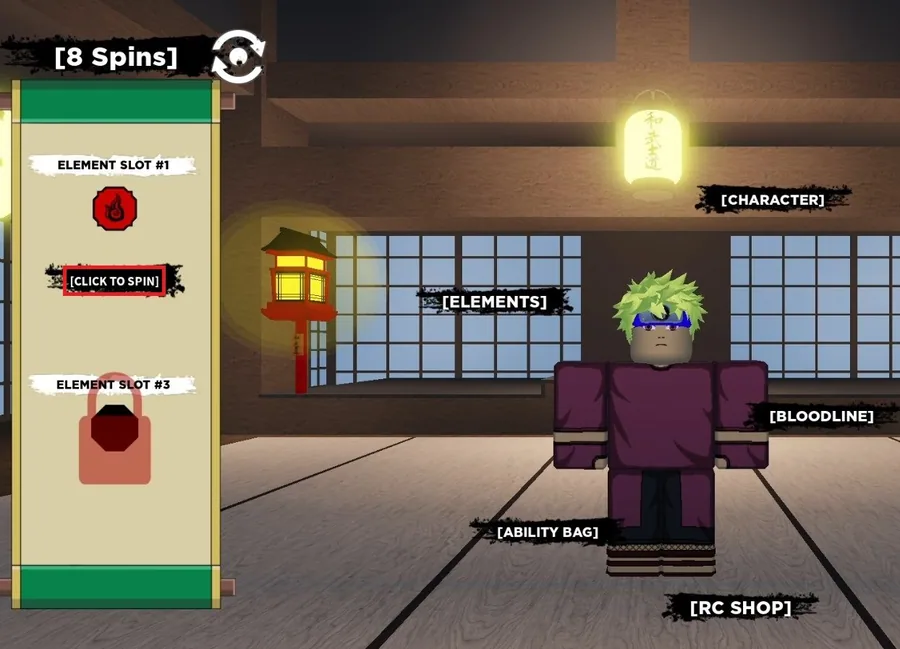
Video walkthrough
If it does not work
- How do I change the color of my character in Shindo Life?. To change the color of your character, simply click on the "Character" tab in the game menu and select "Appearance." From there, you can use the color picker to change the color of your character's clothes and accessories.
- What is Shindo Life?. Shindo Life is a role-playing game on Roblox that allows players to create their own characters, explore the world, complete quests, and interact with other players.
- How do I customize my character in Shindo Life?. To customize your character, simply click on the "Character" tab in the game menu and select "Appearance." From there, you can choose from a variety of customization options, including hairstyles, clothes, and accessories.