
Gaming · PC & mobile
How To Change Your Roblox Profile Picture & Emote on Mobile
Original source date
Answer
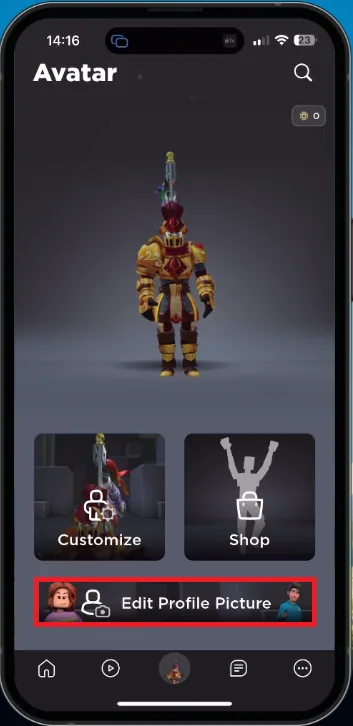
While using your mobile device, open up the Roblox application. Make sure that you are running the latest Roblox update to ensure that this feature is available for you. Next, you should see this new Edit Profile Picture button when tapping your profile picture icon on the bottom of your screen.
Update Roblox Application
While using your mobile device, open up the Roblox application. Make sure that you are running the latest Roblox update to ensure that this feature is available for you.
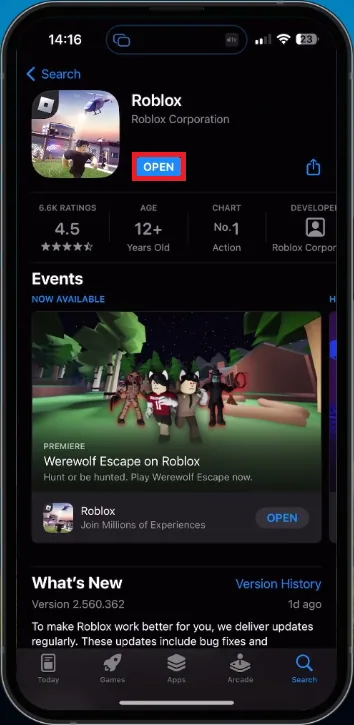
Edit Roblox Profile Picture
Next, you should see this new Edit Profile Picture button when tapping your profile picture icon on the bottom of your screen.
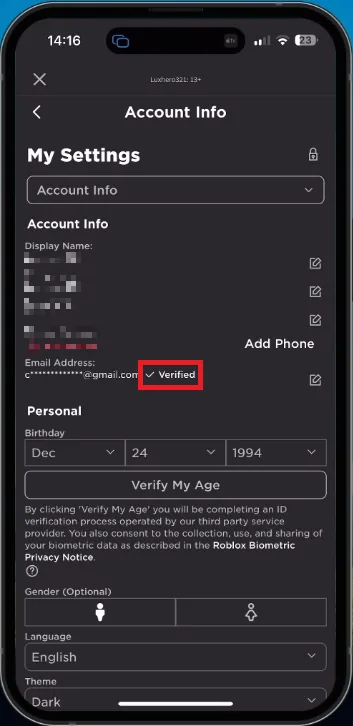
Verify Roblox Email Address or Phone Number
If this is not available, head over to your Roblox account settings. In the Account Information section, make sure that your email address is verified. At this time, only accounts with a verified email address or phone number will be able to use this feature on mobile.
Edit Roblox Profile Emote
Head back to the Edit Profile Picture button and select it. First, choose an emote or pose for your avatar.
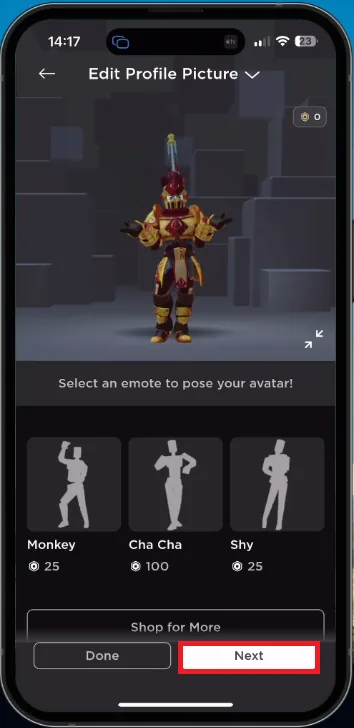
Edit Roblox Profile Picture
When tapping on Next, you can zoom in or out and rotate your avatar to adjust your profile picture better. When this is done, select Save and your new profile picture will be saved to your account.
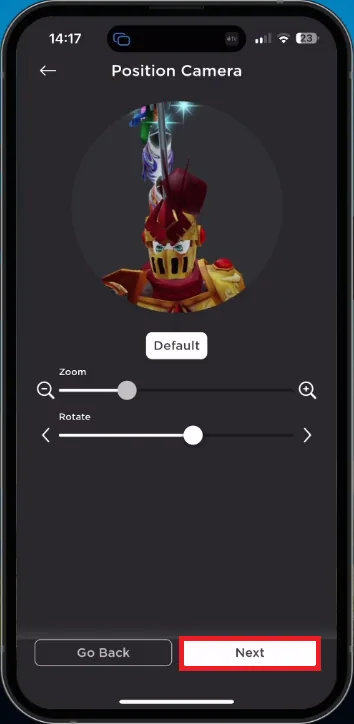
Users who visit your profile will see the new emote and profile picture you selected
Users who visit your profile will see the new emote and profile picture you selected.
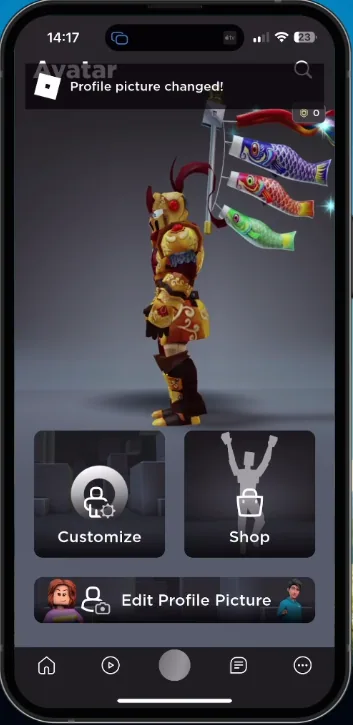
Video walkthrough
If it does not work
- Can I change my emote on the desktop version of Roblox?. Yes, you can change your emote on both the desktop and mobile versions of Roblox. The process is similar on both platforms.
- Can I use an animated emote as my profile picture?. No, currently, only static images can be used as profile pictures on Roblox.
- How often can I change my profile picture and emote on Roblox mobile?. There is no limit to how often you can change your profile picture and emote on Roblox mobile. You can change them as frequently as you like.
- Can I use a custom image for my emote on Roblox mobile?. No, currently, only the emotes provided by Roblox can be used as emotes on the platform.