
iOS · iPhone & iPad
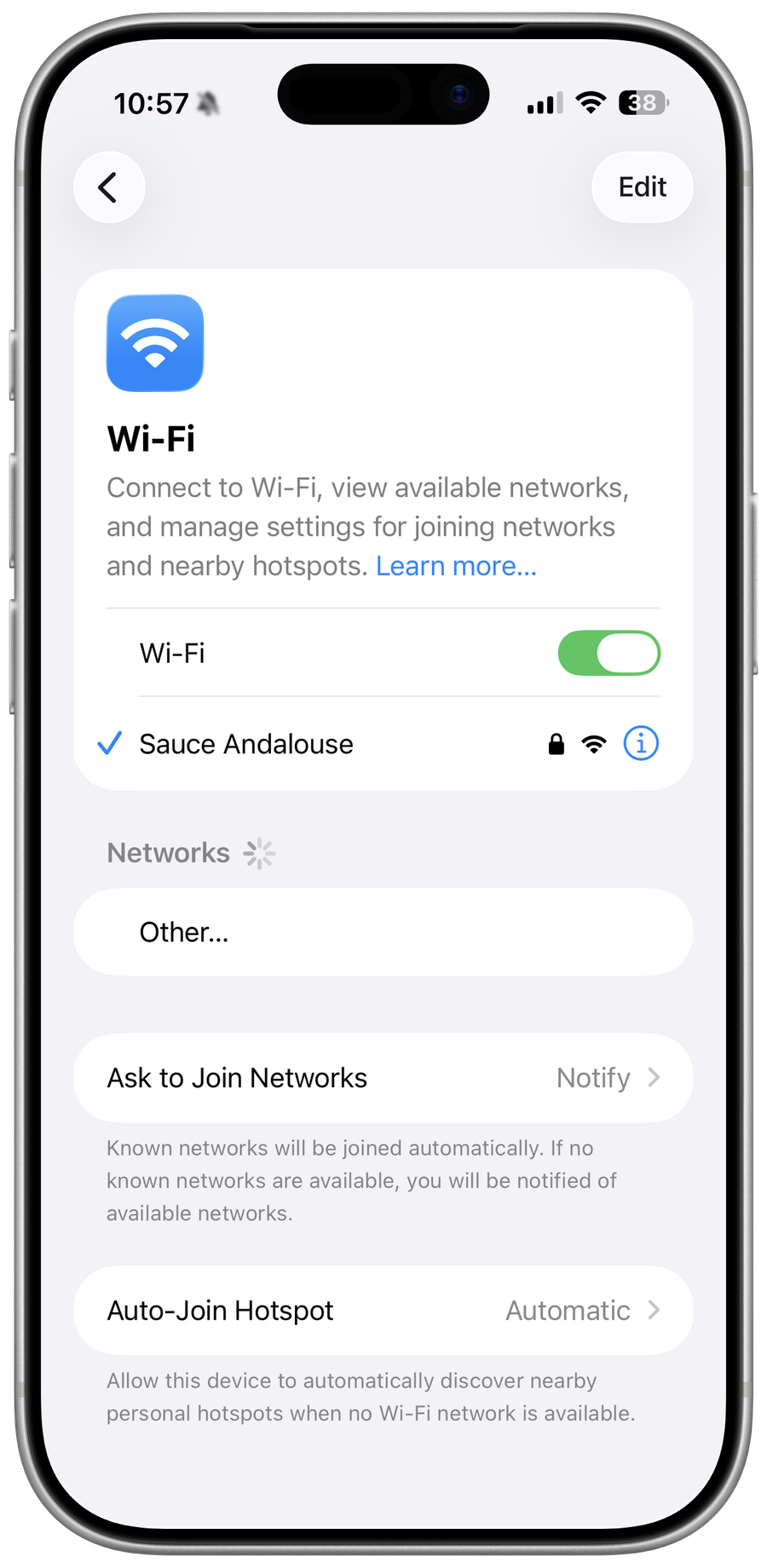
Fix a Greyed-Out Wi-Fi Button on iPhone
Source-checked About 10 minutes
Answer
Restart the iPhone first, then update iOS and reset network settings. If Wi-Fi remains greyed out and no network can be used, contact Apple for hardware diagnostics.
Prepare the correct account, device, files, and recovery path
Confirm the affected iPhone, current iOS version, active Apple Account, app, network, billing state, and exact alert before resetting or signing out. Back up important data and record Wi-Fi, payment, subscription, or permission consequences. Screen Time, Family Sharing, carrier, region, and device management can legitimately restrict controls; never use bypass profiles, spoofed billing details, or credential-recovery services.
Restart the iPhone
Apple specifically recommends restarting when the Wi-Fi setting is dimmed. Use the normal shutdown and restart procedure for your model.
Install the current iOS update
If possible, use cellular data or a Mac or PC to update iOS, then check Settings > Wi-Fi again.
Reset network settings
Open Settings > General > Transfer or Reset iPhone > Reset > Reset Network Settings. This removes saved Wi-Fi passwords, cellular, VPN, and APN settings.
Remove management uncertainty
If the device is managed, check VPN & Device Management or ask the administrator whether Wi-Fi is restricted.
Request service
If Wi-Fi stays greyed out after restart, update, and network reset, contact Apple because the wireless hardware may need diagnostics.
Verify the result before making broader changes
Repeat the exact task described in “Fix a Greyed-Out Wi-Fi Button on iPhone” and confirm the intended account, device, file, app, or service now behaves as described in the Answer. Check any changed setting again after one restart or fresh session where appropriate, and preserve the original data until the result is stable. If only one app, account, network, or file remains affected, keep the next recovery step limited to that scope.
Video walkthrough
If it does not work
- If Wi-Fi remains greyed out after restart and update, preserve reset consequences and contact Apple. Do not erase the device or heat, cool, or physically manipulate it.
Sources and verification
Checked against official documentation on . Scope: iPhone & iPad.
Follow the linked first-party guidance if labels differ after a platform update.