
iOS · iPhone & iPad
Fix 'Verification Required' in the App Store on iPhone
Source-checked About 10 minutes
Answer
Resolve an unpaid balance or invalid payment method, confirm billing details and Family Sharing responsibility, then retry the free or paid download.
Open billing details
Go to Settings > your name > Payment & Shipping and review the method and any red warning or unpaid order.
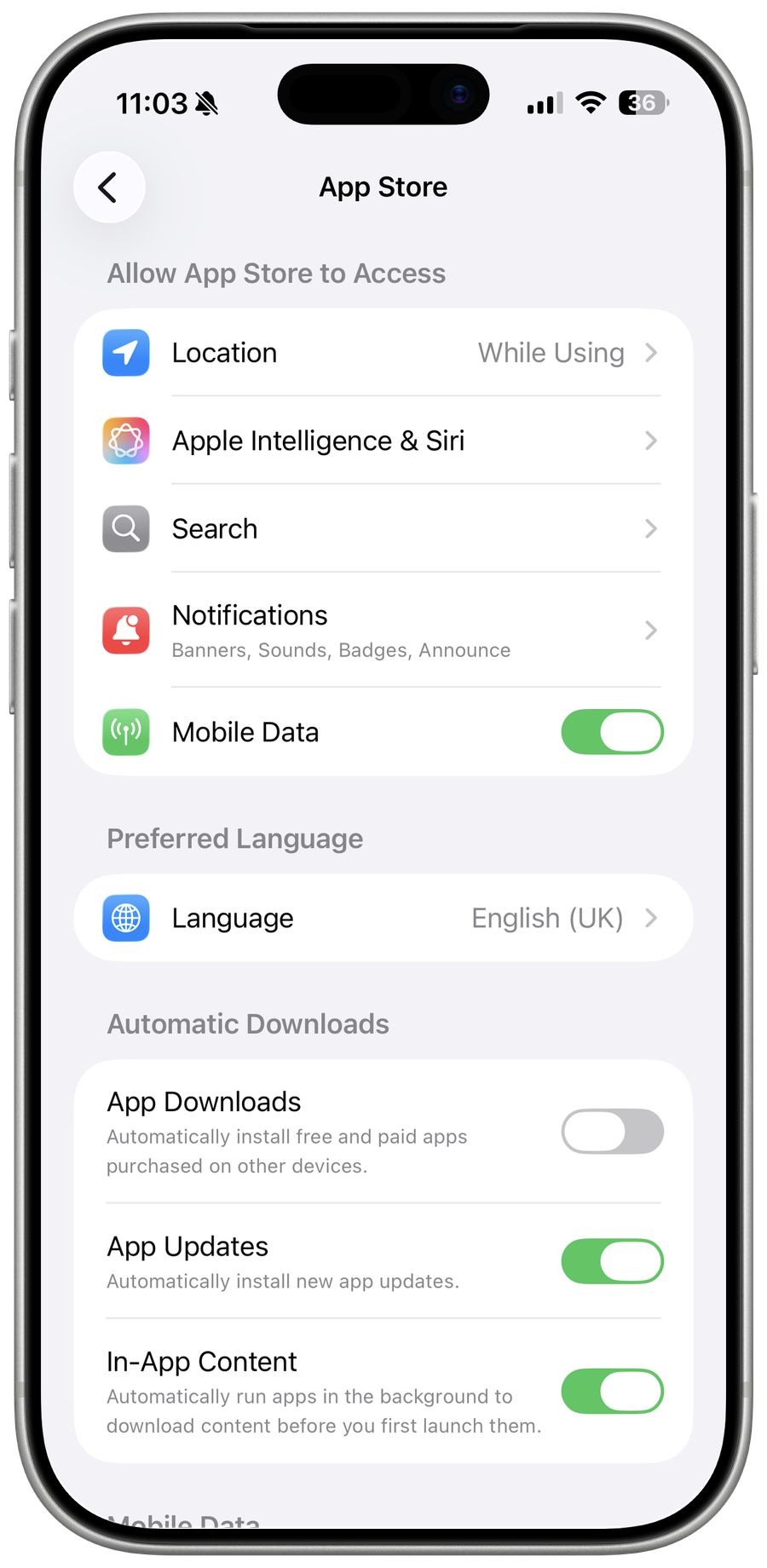
Resolve the balance
Update expired or declined details, add an accepted payment method, and allow Apple to charge an outstanding purchase.
Check family responsibility
The Family Sharing organizer's method can affect purchases; Ask to Buy and Screen Time may require separate approval.
Retry after confirmation
Restart the App Store and retry only after billing shows valid; contact the bank or Apple rather than repeatedly entering card details.
Video walkthrough
If it does not work
- If “Fix 'Verification Required' in the App Store on iPhone” remains unresolved, identify which numbered step first produces a different result and preserve that screen or message. Recheck the account, permission, storage, connection, or device prerequisite described above, then follow only the matching Apple Support recovery path; do not combine unrelated resets, bypasses, or third-party repair tools.
Sources and verification
Checked against official documentation on . Scope: iPhone & iPad.
Reviewed against the linked first-party guidance; interface labels can vary by current app, service, or operating-system version.