
iOS · iPhone & iPad
Change App Store Password Requirements for Free Downloads on iPhone
Source-checked About 10 minutes
Answer
In Media & Purchases password settings, turn off Require Password for free downloads when the option is available; Face ID requirements may still apply.
Open purchase settings
Go to Settings > your name > Media & Purchases > Password Settings.
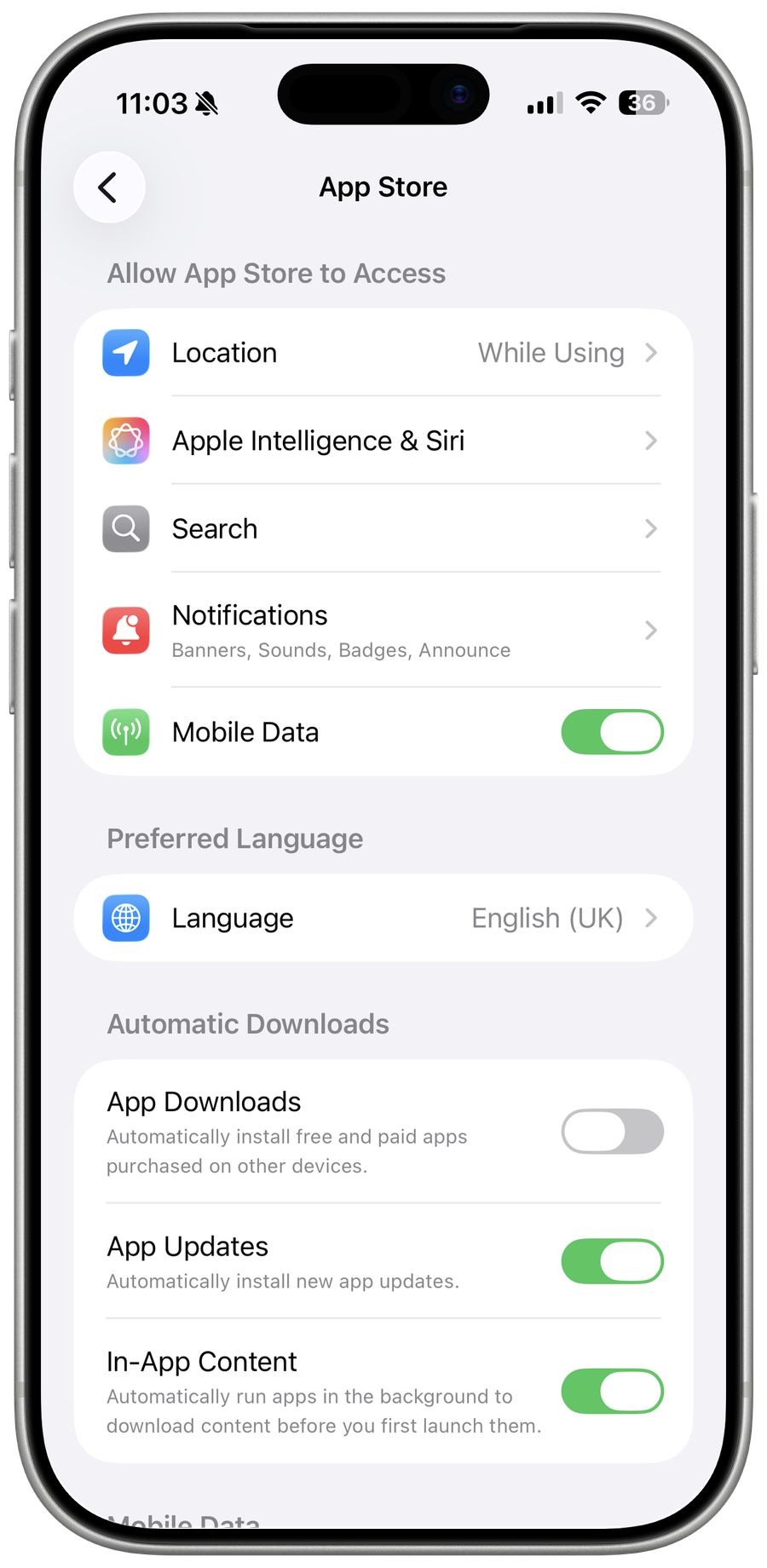
Change free-download behavior
Under Free Downloads, turn off Require Password if the account and device expose that control.
Understand Face ID behavior
When Face ID is enabled for the App Store, authentication can replace the password control rather than removing approval entirely.
Keep safeguards for shared devices
Leave authentication enabled when children or other people can use the unlocked iPhone; Family and Screen Time rules can override the choice.
Video walkthrough
If it does not work
- If “Change App Store Password Requirements for Free Downloads on iPhone” remains unresolved, identify which numbered step first produces a different result and preserve that screen or message. Recheck the account, permission, storage, connection, or device prerequisite described above, then follow only the matching Apple Support recovery path; do not combine unrelated resets, bypasses, or third-party repair tools.
Sources and verification
Checked against official documentation on . Scope: iPhone & iPad.
Reviewed against the linked first-party guidance; interface labels can vary by current app, service, or operating-system version.