
iOS · iPhone & iPad
Fix Slow Internet on iPhone Over Wi-Fi or Cellular
Source-checked About 10 minutes
Answer
Test whether Wi-Fi, cellular, one app, or one site is slow, then address signal, VPN, data limits, DNS, carrier, or router issues without fake speed boosters.
Identify Wi-Fi, cellular, app, or site slowness
Record the exact error, affected app or service, network type, VPN state, and whether another trusted app or network works. Change one connection layer at a time so the cause remains identifiable. For this task, begin by confirming the supported prerequisite: Test several sites and apps on Wi-Fi and cellular; one slow service may be the provider rather than the iPhone.
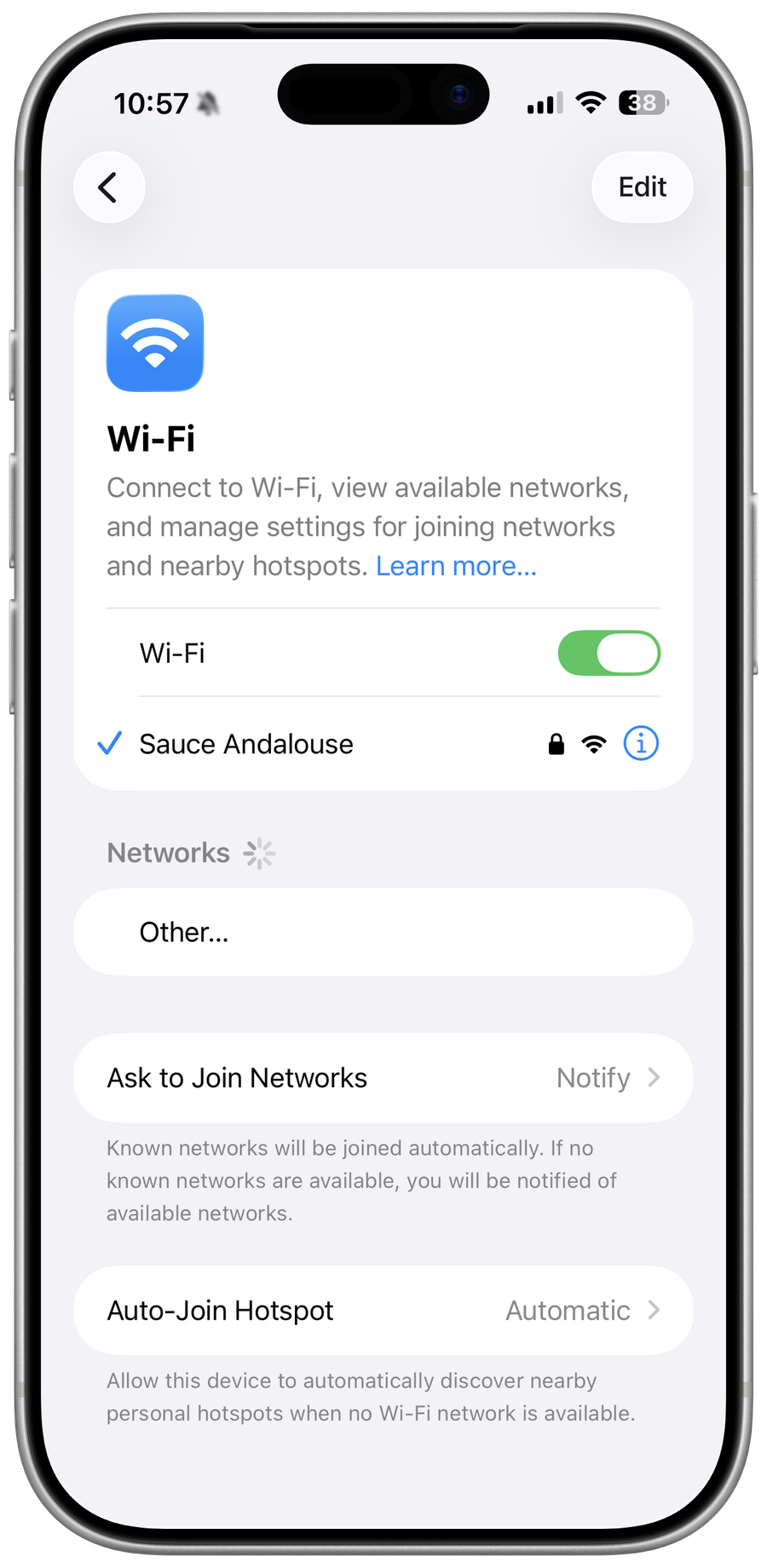
Measure the scope
Test several sites and apps on Wi-Fi and cellular; one slow service may be the provider rather than the iPhone.
Improve the connection
Move closer to the router, reconnect Wi-Fi, toggle Airplane Mode for cellular, and disable a VPN for one controlled test.
Check limits and updates
Review Low Data Mode, cellular plan throttling, carrier settings, iOS updates, and router firmware.
Reset only last
Restart the router and phone first; Reset Network Settings removes saved Wi-Fi, VPN, and network preferences and should be a final local step.
Retest before resetting network settings
Repeat the intended action with a harmless test and confirm this final condition: Restart the router and phone first; Reset Network Settings removes saved Wi-Fi, VPN, and network preferences and should be a final local step. Reopen the relevant settings or destination and compare the result with the recorded starting state before relying on it or deleting an original.
Escalate the affected connection
If only Wi-Fi is slow, test another network and contact the router owner or ISP. If only cellular is slow, record signal, location, carrier settings, plan limits, and time for the carrier. If both remain slow after Apple’s checks, contact Apple with the iOS version and comparison results.
Video walkthrough
If it does not work
- If “Fix Slow Internet on iPhone Over Wi-Fi or Cellular” remains unresolved, identify which numbered step first produces a different result and preserve that screen or message. Recheck the account, permission, storage, connection, or device prerequisite described above, then follow only the matching Apple Support recovery path; do not combine unrelated resets, bypasses, or third-party repair tools.
Sources and verification
Checked against official documentation on . Scope: iPhone & iPad.
Follow the linked first-party guidance if labels differ after a platform or app update.