
iOS · iPhone & iPad
Recover Deleted iPhone Photos and Videos Within 30 Days
Source-checked About 10 minutes
Answer
Open Photos > Recently Deleted, authenticate, and recover selected items within 30 days; after permanent deletion, check independent backups.
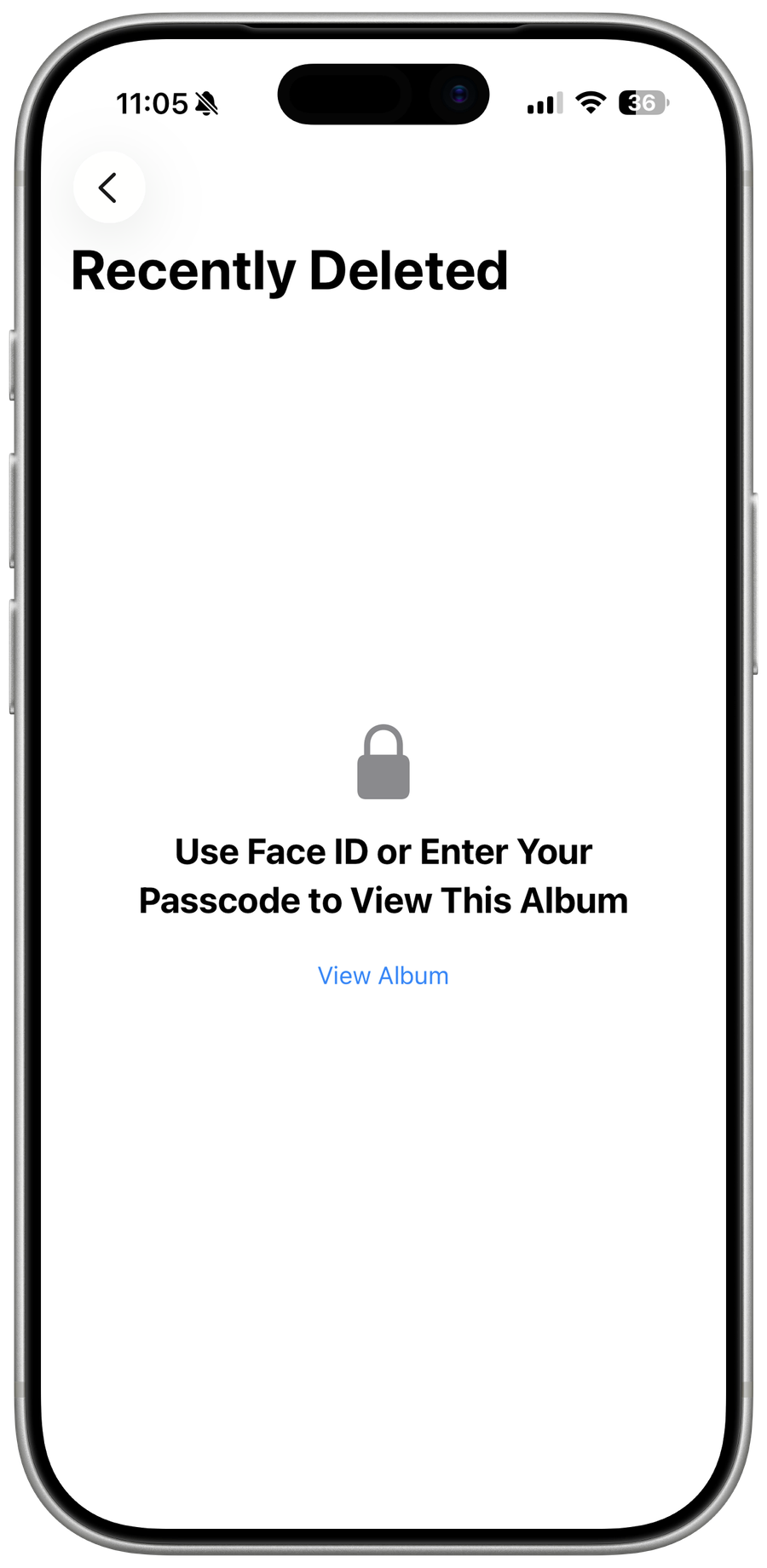
Open Recently Deleted
In Photos, swipe up to Utilities, open Recently Deleted, and authenticate with Face ID, Touch ID, or passcode.
Recover selected media
Select one or more photos or videos, choose Recover, and confirm; they return to the library.
Respect the recovery window
Items remain for 30 days, then are permanently deleted and cannot be restored from Recently Deleted.
Check independent copies
Look in iCloud.com Photos, a Mac or PC import, shared album, cloud backup, or exported copy only if it existed before deletion.
Video walkthrough
If it does not work
- If “Recover Deleted iPhone Photos and Videos Within 30 Days” remains unresolved, identify which numbered step first produces a different result and preserve that screen or message. Recheck the account, permission, storage, connection, or device prerequisite described above, then follow only the matching Apple Support recovery path; do not combine unrelated resets, bypasses, or third-party repair tools.
Sources and verification
Checked against official documentation on . Scope: iPhone & iPad.
Reviewed against the linked first-party guidance; interface labels can vary by current app, service, or operating-system version.