
iOS · iPhone & iPad
Fix Your Phone Number Missing From iMessage or FaceTime
Source-checked About 10 minutes
Answer
Confirm the SIM line and SMS work, select the number under Send & Receive, restart activation, and allow up to 24 hours before escalating.
Check the line first
Confirm the correct SIM or eSIM is active, the number appears in Phone settings, and ordinary SMS works.
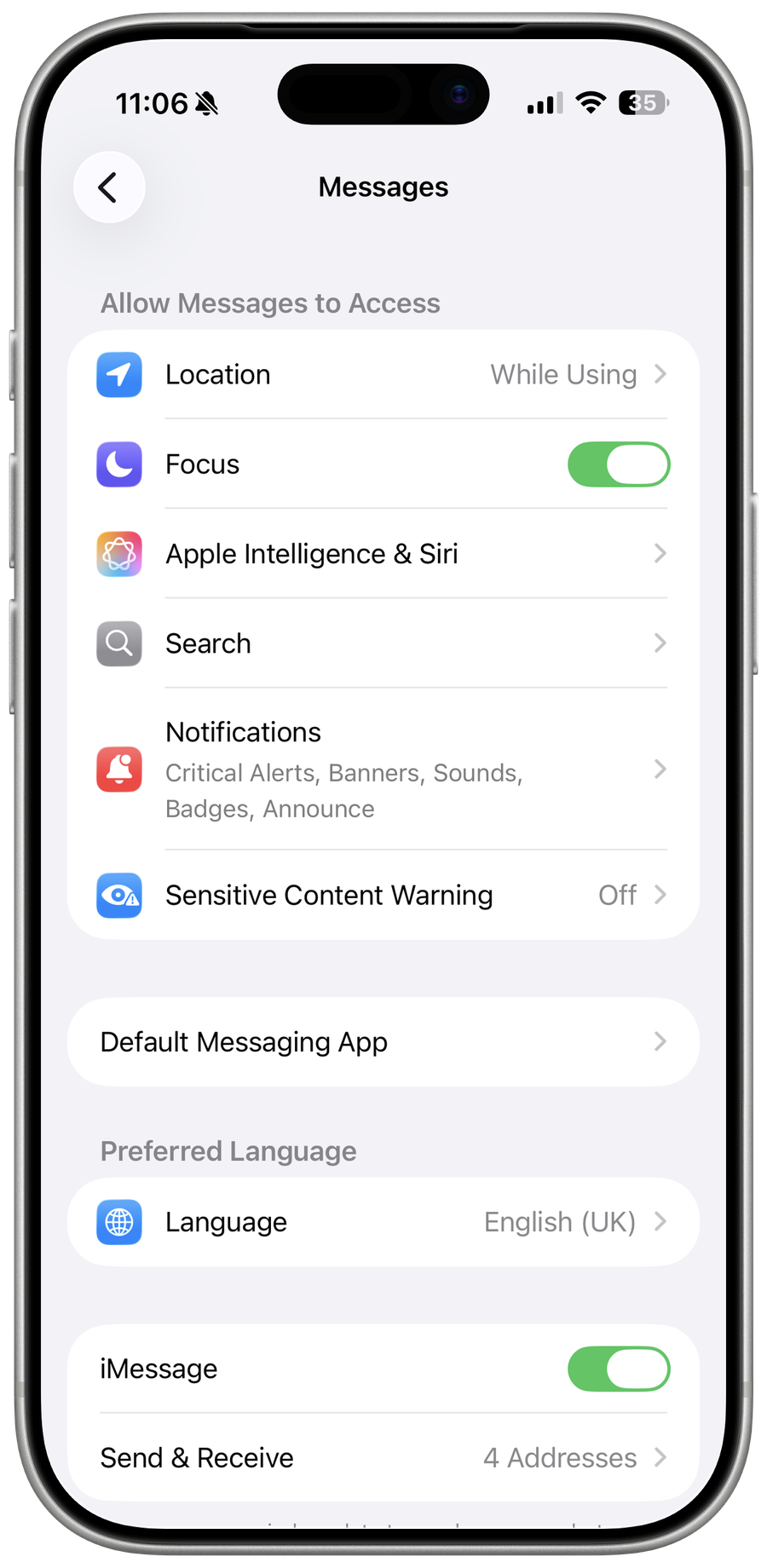
Select the number
Open Settings > Apps > Messages > Send & Receive and FaceTime, then select the number when it appears.
Restart activation
Turn iMessage and FaceTime off, restart the iPhone, then turn them on with Wi-Fi and cellular service available.
Allow the activation window
Activation may take up to 24 hours and can use a chargeable SMS; contact the carrier first if SMS or the line fails.
Video walkthrough
If it does not work
- If “Fix Your Phone Number Missing From iMessage or FaceTime” remains unresolved, identify which numbered step first produces a different result and preserve that screen or message. Recheck the account, permission, storage, connection, or device prerequisite described above, then follow only the matching Apple Support recovery path; do not combine unrelated resets, bypasses, or third-party repair tools.
Sources and verification
Checked against official documentation on . Scope: iPhone & iPad.
Reviewed against the linked first-party guidance; interface labels can vary by current app, service, or operating-system version.