
iOS · iPhone & iPad
Fix the iPhone Mail App Not Sending, Receiving, or Opening
Source-checked About 10 minutes
Answer
Check webmail and service status, refresh account credentials and fetch settings, restart Mail, then re-add the account only after confirming server copies.
Identify the failed function
Test opening Mail, refreshing inbox, receiving, and sending; note the exact server or password error.
Verify the provider first
Sign in to webmail and check provider status, quota, password, forwarding, and spam rules.
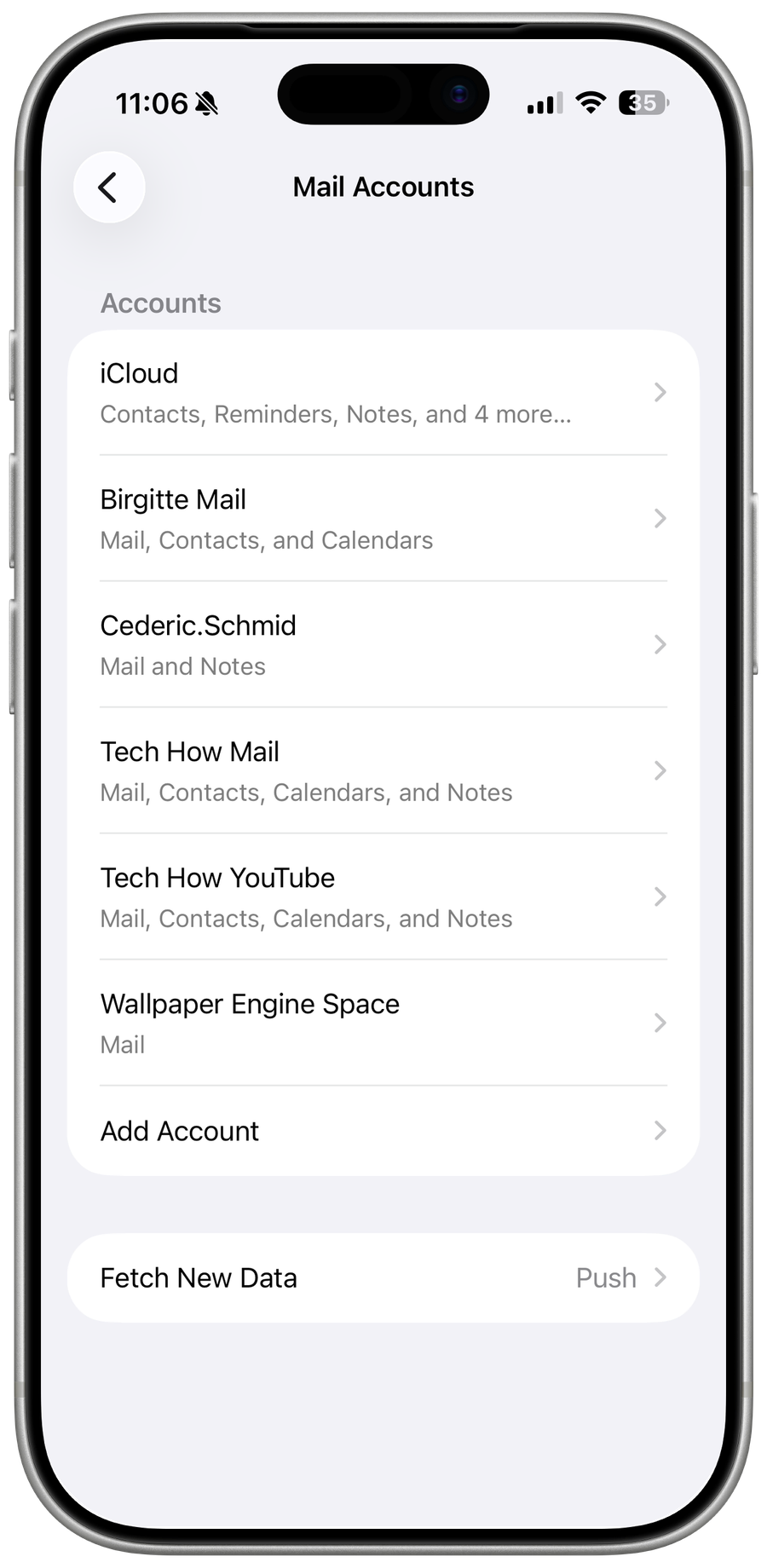
Refresh iPhone delivery
Check network, Fetch New Data, account toggles, and notifications, then restart and update iOS.
Re-add only safe server accounts
Confirm messages and folders exist on the server before removing the account; locally stored POP mail can be lost.
Video walkthrough
If it does not work
- If “Fix the iPhone Mail App Not Sending, Receiving, or Opening” remains unresolved, identify which numbered step first produces a different result and preserve that screen or message. Recheck the account, permission, storage, connection, or device prerequisite described above, then follow only the matching Apple Support recovery path; do not combine unrelated resets, bypasses, or third-party repair tools.
Sources and verification
Checked against official documentation on . Scope: iPhone & iPad.
Reviewed against the linked first-party guidance; interface labels can vary by current app, service, or operating-system version.