
iOS · iPhone & iPad & Android
Fix 'Denied Access' When an iPhone Will Not Join Wi-Fi
Source-checked About 10 minutes
Answer
Check the network and password, restart iPhone and router, forget and rejoin Wi-Fi, then reset network settings only as a final Apple step.
Before you start
Confirm that you are authorized to join the network and have the current password. Check whether other devices can connect and whether the router uses a sign-in page, device allow-list, parental control, or enterprise profile that can intentionally deny access.
Check the Wi-Fi basics
Turn Wi-Fi on, turn Airplane Mode off, and confirm other devices can join the same network. Check Wi-Fi and Airplane Mode, move within range, and inspect the exact network name so you do not troubleshoot a similarly named access point.
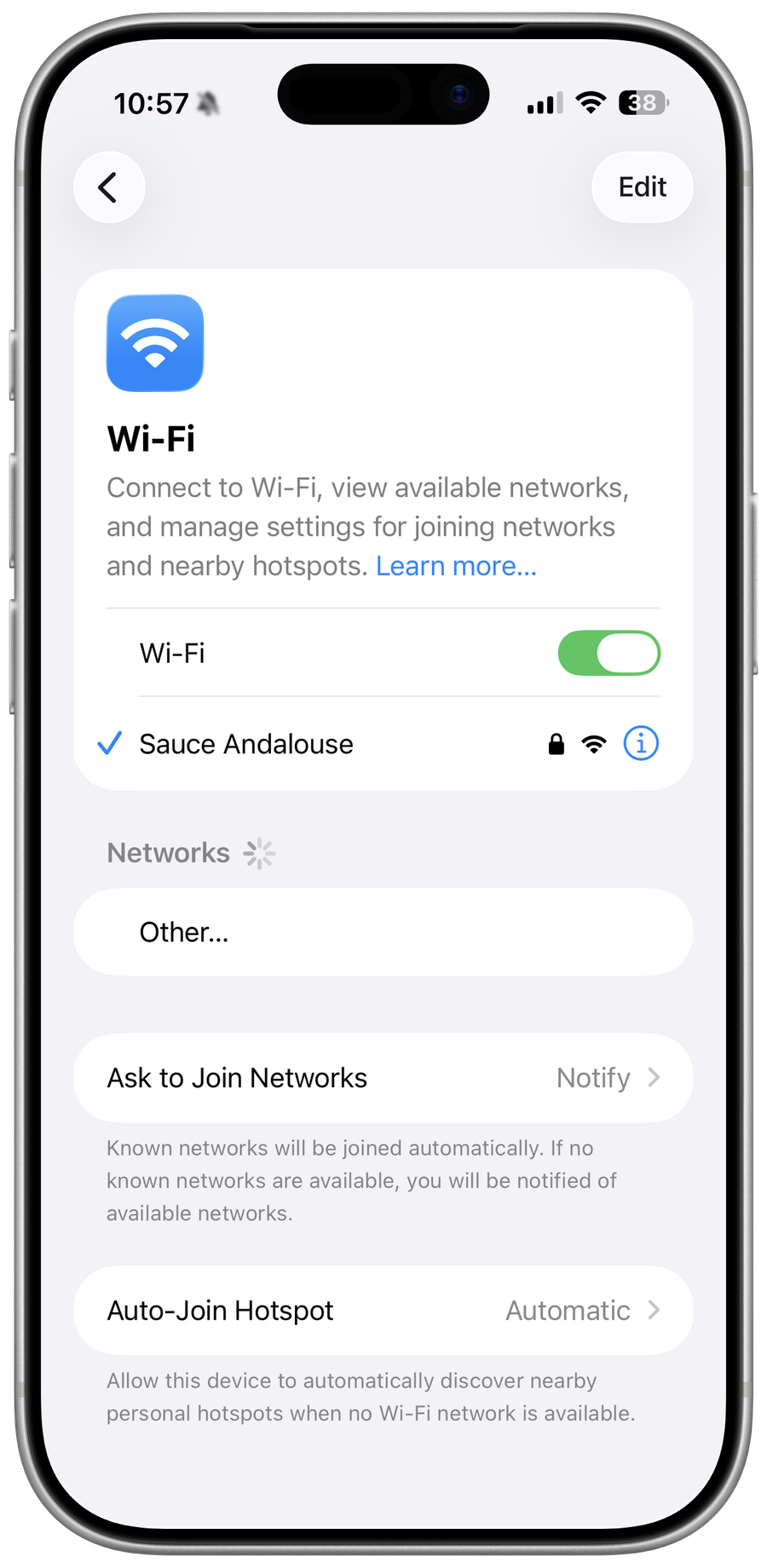
Restart and rejoin the network
Restart the iPhone and router, then forget the network and enter the correct password again. Forget only the affected network, then rejoin with the verified password; disable a VPN only when evidence shows it intercepts this connection.
Reset network settings only if needed
Use Settings > General > Transfer or Reset iPhone > Reset > Reset Network Settings only after recording saved Wi-Fi passwords and VPN details. Reset Network Settings only after noting saved Wi-Fi passwords, VPN, cellular, and other network configuration that the reset will remove.
Verify the result
Confirm the Wi-Fi icon remains connected, open a secure website, and test after locking and waking the iPhone. A connected icon without internet access points to the router or upstream service, not the password.
Troubleshoot iPhone Wi-Fi denied access
If the router still says denied, ask its administrator to check access control, capacity, and security mode. If every network fails on the iPhone, update iOS and use Apple Support. Do not factory-reset the router or phone as an early step.
Optional sponsored tool
The supported procedure above does not require this third-party product. This optional link is retained from the original tutorial; Tech How may earn a commission at no extra cost to you.
Video walkthrough
Sources and verification
Checked against official documentation on . Scope: iPhone & iPad & Android.
Follow the linked first-party guidance if labels differ after a platform or app update.