
iOS · iPhone & iPad
Fix 'Cannot Connect to App Store' on iPhone
Source-checked About 10 minutes
Answer
Check Apple service status, internet access, date and time, the Apple Account, and iOS updates before signing out or resetting network settings.
Check Apple services
Open Apple System Status and wait if App Store or account services show an incident.
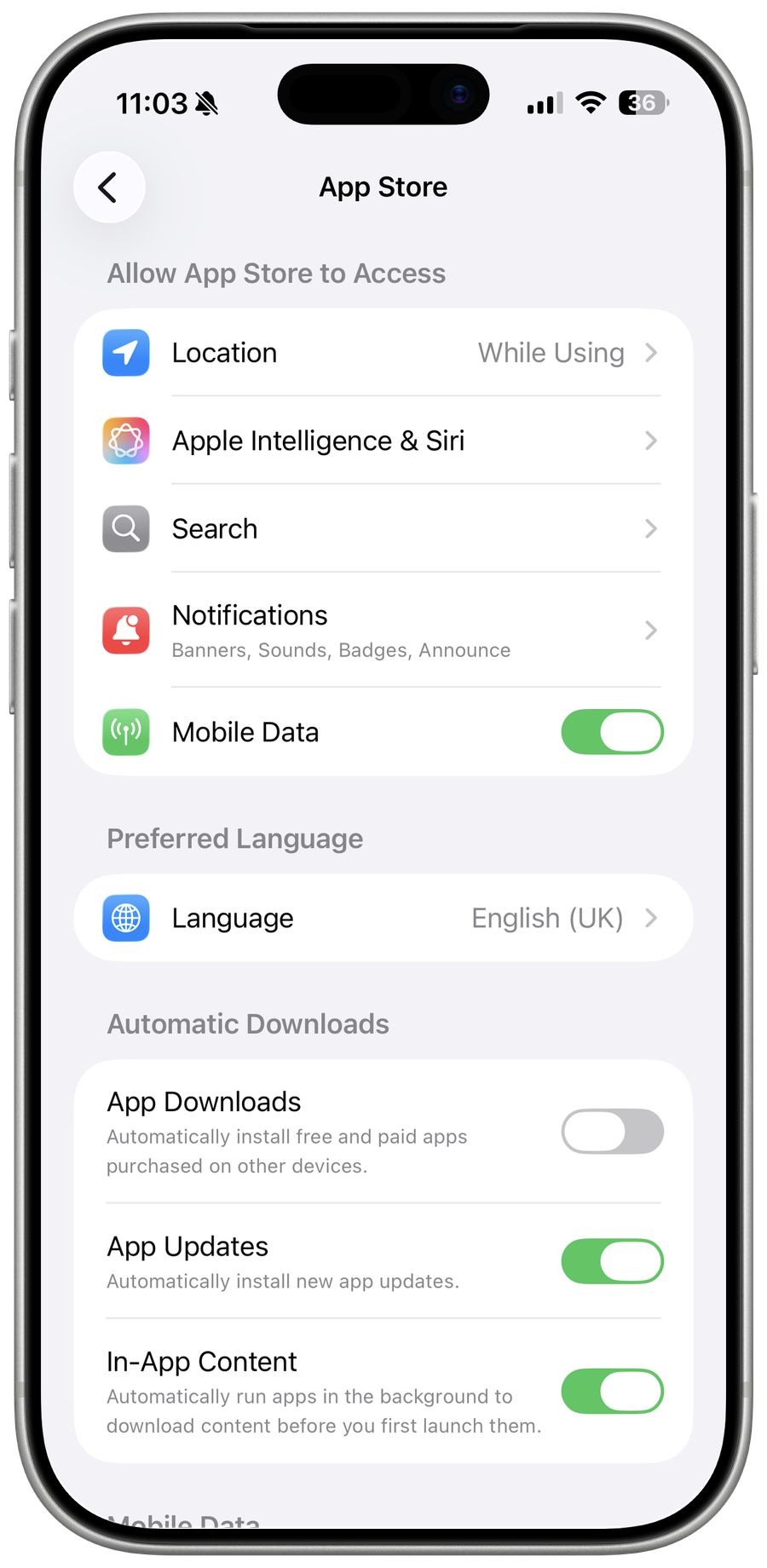
Test the connection
Switch between trusted Wi-Fi and cellular data, complete captive-portal login, and disable a VPN for one test.
Correct account basics
Set Date & Time automatically, restart, update iOS, and confirm the Apple Account can sign in at account.apple.com.
Reset only if broader networking fails
Reset Network Settings removes saved Wi-Fi and VPN details; record them first and use the step only when multiple services fail.
Video walkthrough
If it does not work
- If “Fix 'Cannot Connect to App Store' on iPhone” remains unresolved, identify which numbered step first produces a different result and preserve that screen or message. Recheck the account, permission, storage, connection, or device prerequisite described above, then follow only the matching Apple Support recovery path; do not combine unrelated resets, bypasses, or third-party repair tools.
Sources and verification
Checked against official documentation on . Scope: iPhone & iPad.
Reviewed against the linked first-party guidance; interface labels can vary by current app, service, or operating-system version.