
Gaming · Platform not recorded
GTA V - How To Download & Install Mods On Epic Games
Original source date
Answer
Click here to get to the FiveM website To get started, ensure you downloaded the game and linked your Rockstar account to your Epic Games account. Next, download the FiveM application, which enables you to access and install mods. Once the download is complete, run the file and give the application a minute or so to install everything to your PC.
Install the FiveM Multiplayer Mod for GTA 5
Click here to get to the FiveM website

To get started, ensure you downloaded the game and linked your Rockstar account t…
To get started, ensure you downloaded the game and linked your Rockstar account to your Epic Games account. Next, download the FiveM application, which enables you to access and install mods. Once the download is complete, run the file and give the application a minute or so to install everything to your PC.
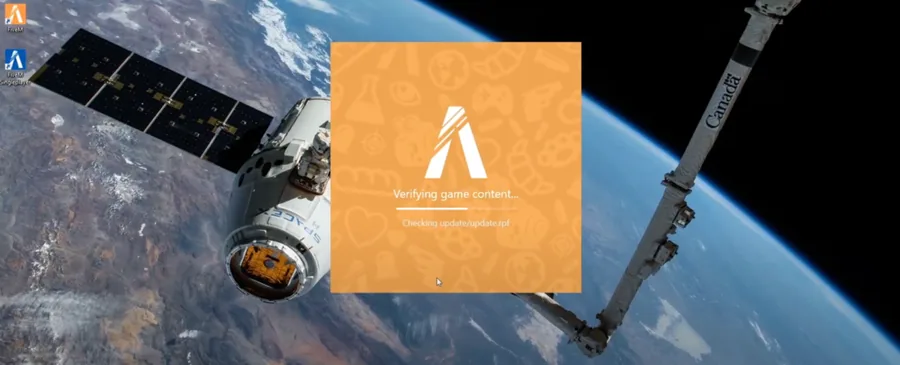
Download GTA V Mods
Once you've successfully installed FiveM, launch the application and log in with your Rockstar account. To download GTA V mods, head over to a reliable modding website. Keep in mind that each mod may have its own installation process, but in most cases, you can follow these steps: right-click on FiveM in your taskbar search and select "Open File Location".
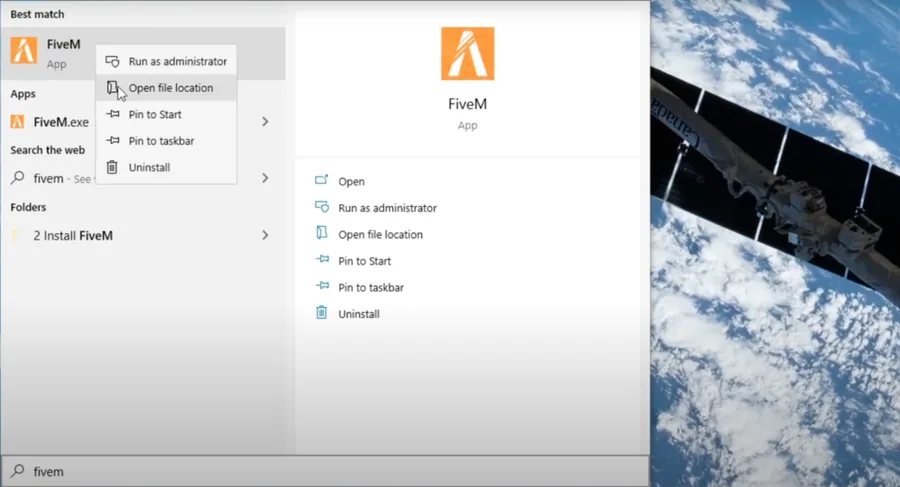
Install GTA 5 Mods
Right-click the FiveM application in your taskbar search, select Open File Location, and then navigate to the FiveM Application Data > Plugins folder. Finally, drag and drop the downloaded mod file into the Plugins folder. Note that some mods may not be patched for the Epic Games version yet.
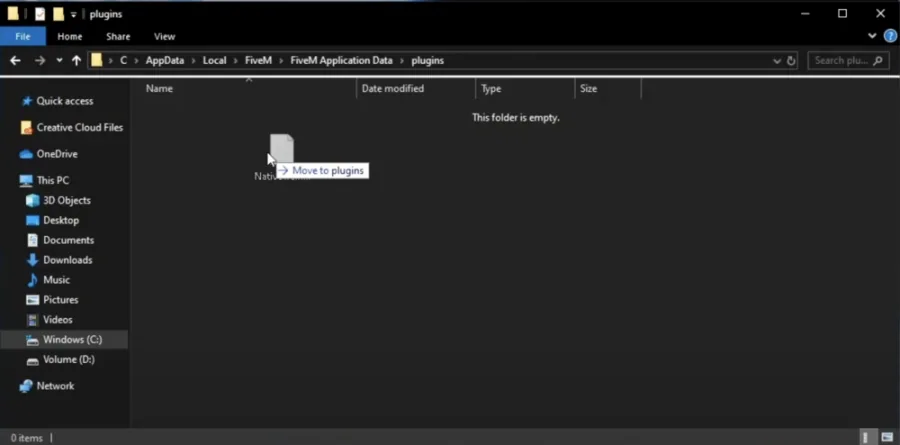
Video walkthrough
If it does not work
- If the current interface differs, compare it with the recorded video walkthrough.