
Gaming · PC & mobile
Genshin Impact Mobile – How To Fix Crash on Startup & Random Crashing
Original source date
Answer
Ensure you’re using a reliable network connection and close all applications from running in the background. Open up your native settings application. Under General, open up your storage settings and ensure you have some available space left, as for some users, the application will crash while downloading an update.
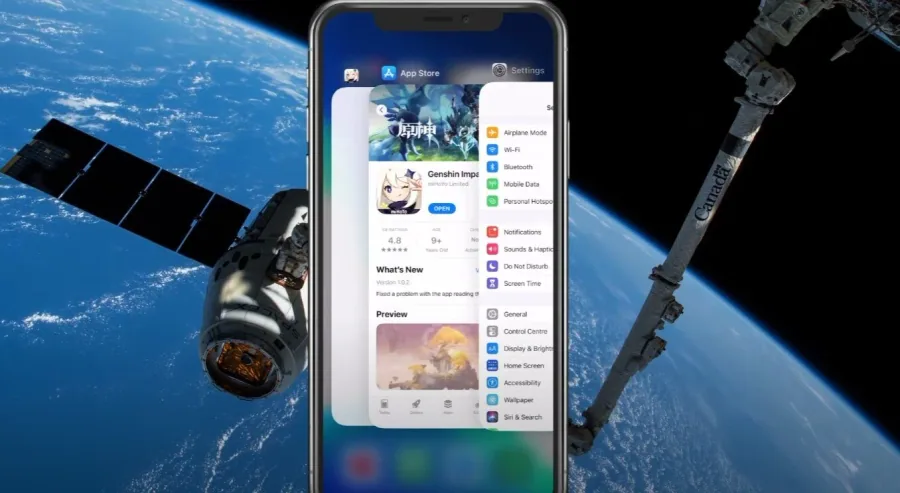
Close All Background Apps
Ensure you’re using a reliable network connection and close all applications from running in the background.
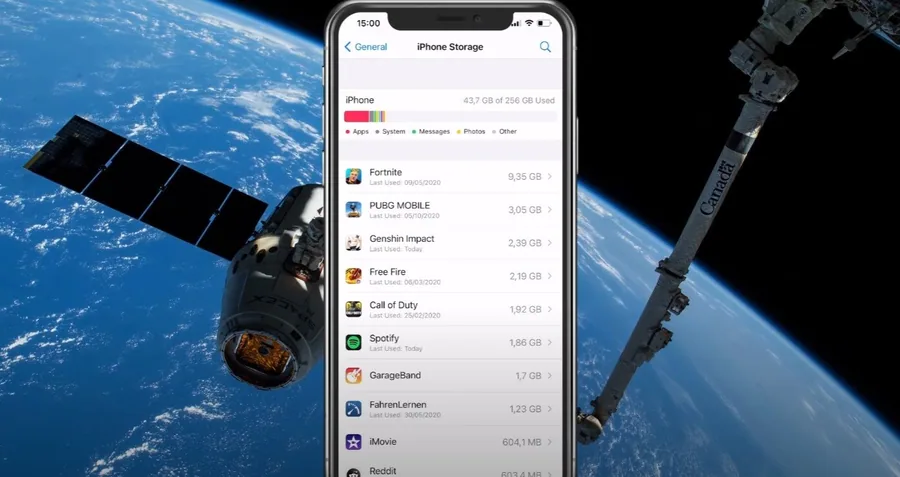
Ensure Enough Storage for Genshin Impact
Open up your native settings application. Under General, open up your storage settings and ensure you have some available space left, as for some users, the application will crash while downloading an update.
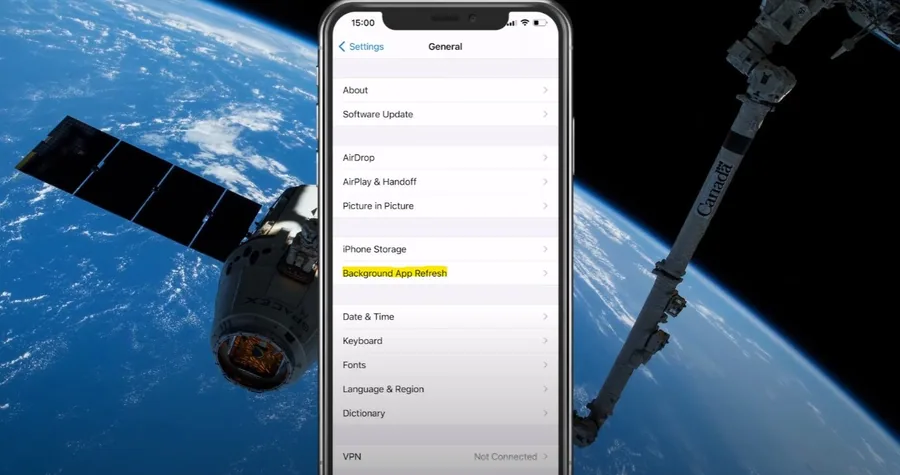
Disable Background App Refresh while In-Game
Next, go back to your General settings under Background App Refresh, and ensure this option is disabled when playing the game. This will ensure that no other applications are causing the crash while in-game. As a last resort, you should restart your device and ensure it’s connected to a reliable network connection. Some users have reported that using an application in landscape mode and switching to the game can be a workaround.
Video walkthrough
If it does not work
- If the current interface differs, compare it with the recorded video walkthrough.