
Windows · Windows 10 & 11
How to enable angle snapping on any mouse in Windows
Source-checked Not recorded
Answer
Windows has no universal angle-snapping control for every mouse. Check the mouse manufacturer's supported configuration app first. If the mouse and its official software do not expose angle snapping, Windows cannot safely add it without a third-party input driver.
Check the mouse maker's software
Identify the exact mouse model and open only its manufacturer's support page. Install the current official configuration app when the maker provides one, then look for Angle Snapping, Prediction, or a similarly documented control.
Accept the native limitation
If the manufacturer's app does not offer angle snapping, Windows Settings has no system-wide replacement. Pointer precision is mouse acceleration, not angle snapping, so do not present it as the same feature.
Do not install an old universal input driver
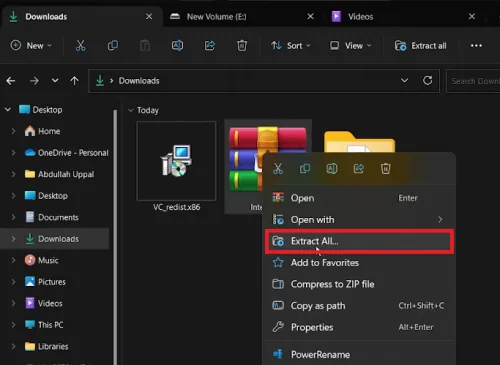
Do not run administrator batch files or install an unsigned or abandoned interception driver merely to force the feature. Such a driver changes input handling for the entire PC and may fail after Windows security updates.
Install prerequisites only for supported software
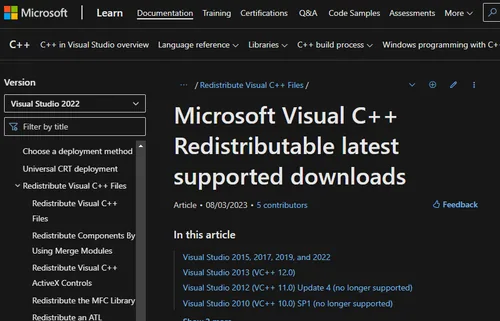
Install a Microsoft Visual C++ package only when the current mouse manufacturer's application explicitly requires it. A runtime package does not add angle snapping by itself.
Apply the manufacturer's setting
If an official Angle Snapping control exists, change it once in the mouse app, save the device profile when supported, and restart only when that app requests it.
Keep unsupported software out of the procedure
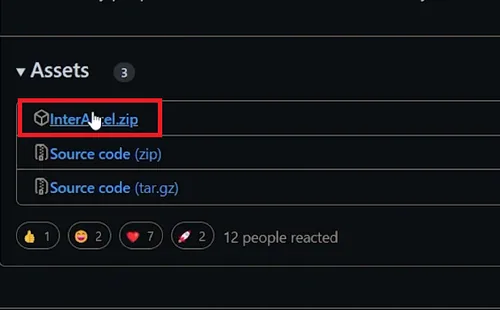
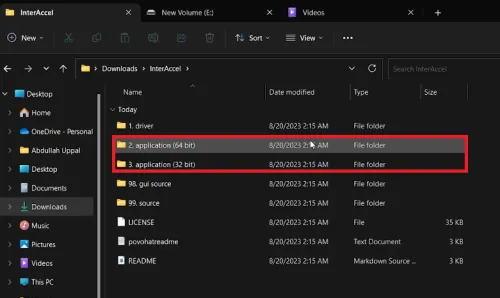
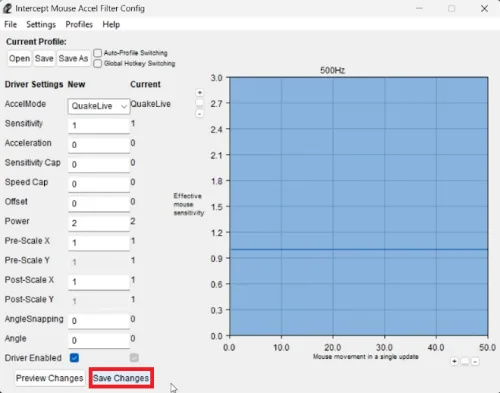
The recorded InterAccel interface is third-party software rather than a Windows feature. Its old screenshots and controls are not a current supported path for every mouse.
Verify the exact device profile
Draw slow horizontal and vertical lines in a harmless test app, then power-cycle or reconnect the mouse and confirm the official profile remains active. If the maker offers no control, the honest result is that this mouse cannot enable angle snapping through Windows alone.
Video walkthrough
If it does not work
- Pointer precision in Windows is acceleration, not angle snapping.
- If an old interception driver is already installed and causes input problems, use its documented uninstaller or restore the prior system state before installing another mouse driver.
Sources and verification
Checked against official documentation on . Scope: Windows 10 & 11.
Windows mouse settings do not expose universal angle snapping; use only a current control documented by the mouse manufacturer.