
Brawl Stars · iOS & Android
How to claim the free Mega Box and profile picture
Last tested About 2 minutes
Answer
Fully close Brawl Stars, open the official reward link, and reopen the game with the account that should receive the items.
Close Brawl Stars
Close the game completely on your phone or tablet before opening the reward link.
Open the official reward link
Open the Brawl Stars voucher link. Your device should ask to open the game.
Check the account
Confirm the correct Supercell account is active. Switch accounts before accepting if needed.
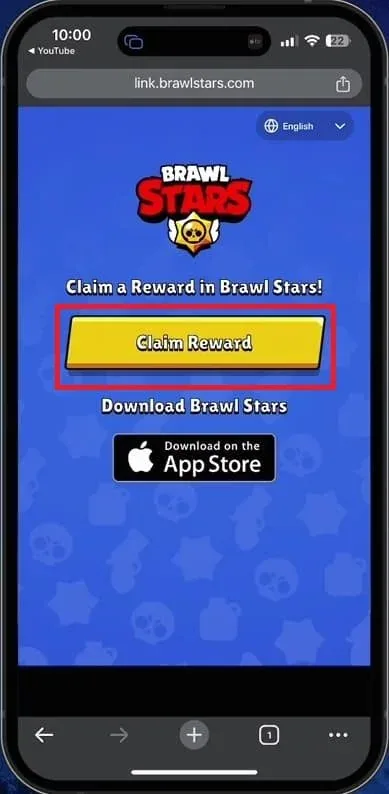
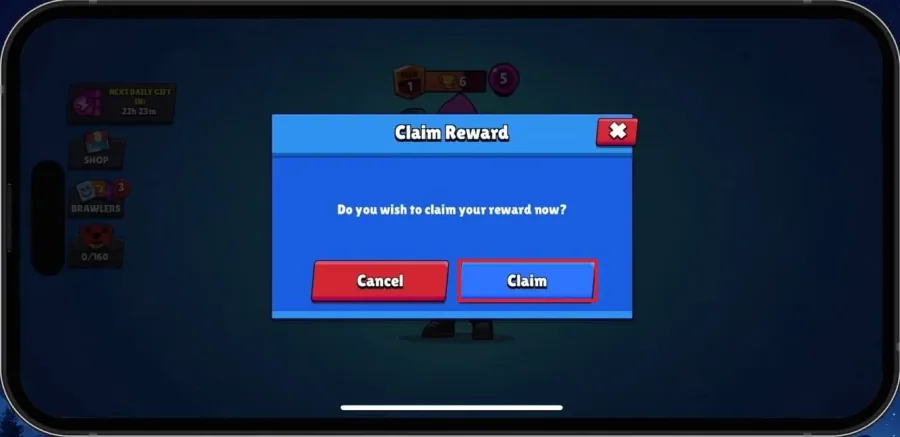
Claim the items
Accept the reward, then check the in-game inbox if the items do not appear immediately.
Video walkthrough
If it does not work
- Restart Brawl Stars and check the inbox again.
- Open the voucher on the same device as the game.
- The reward may be limited to one claim per account.