
Gaming · PC & mobile
How To Add Friends on Apex Legends Mobile
Original source date
Answer
In your Apex Legends main menu, tap on the friend icon on the left side of your screen. Preview your existing friends list.
Access the Apex Legends Friends List
In your Apex Legends main menu, tap on the friend icon on the left side of your screen.
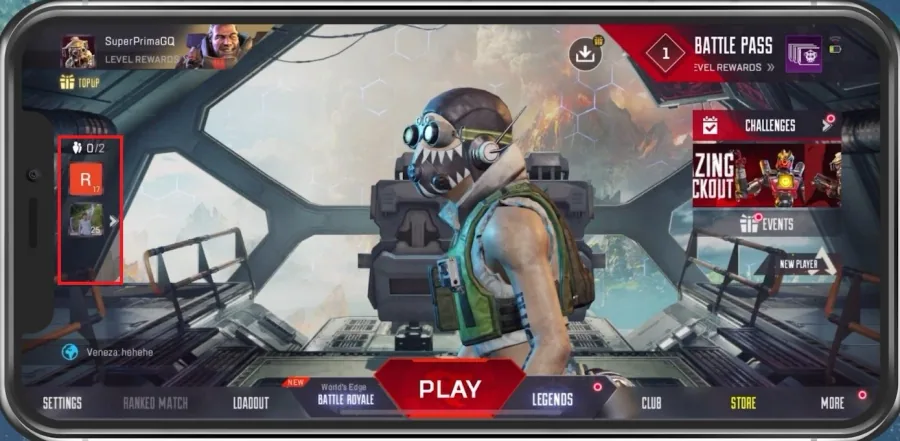
Preview your existing friends list
Preview your existing friends list.
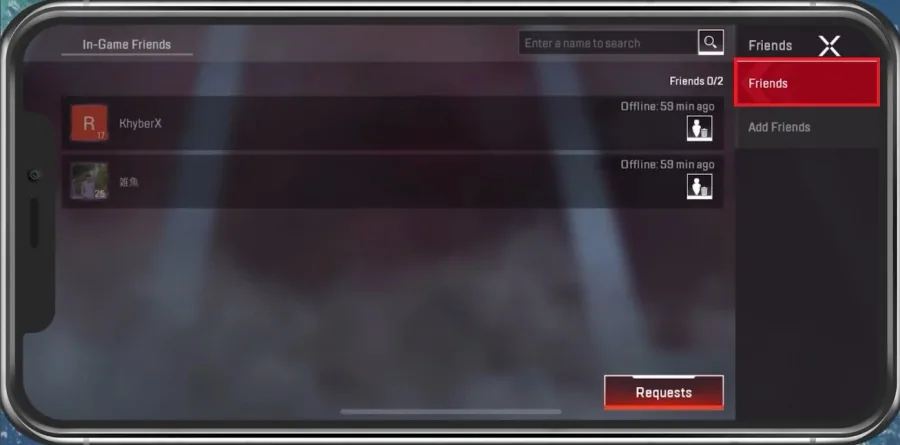
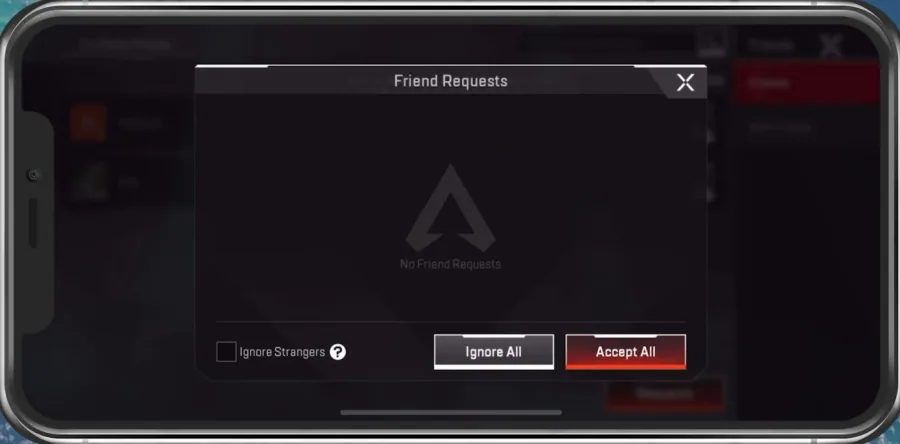
You can enter a name to search for a specific friend or tap on Requests to see yo…
You can enter a name to search for a specific friend or tap on Requests to see your current friend requests for this account.
Add Friends in Apex Legends Mobile
In the Add Friends tab, you can filter this list of users by Language, Rank and Online Time. In your Advanced Search, you can also enter the username to find a specific user.
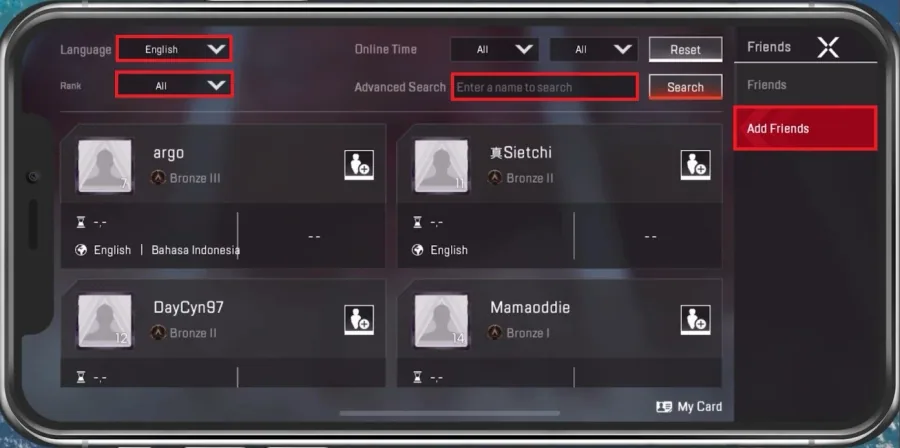
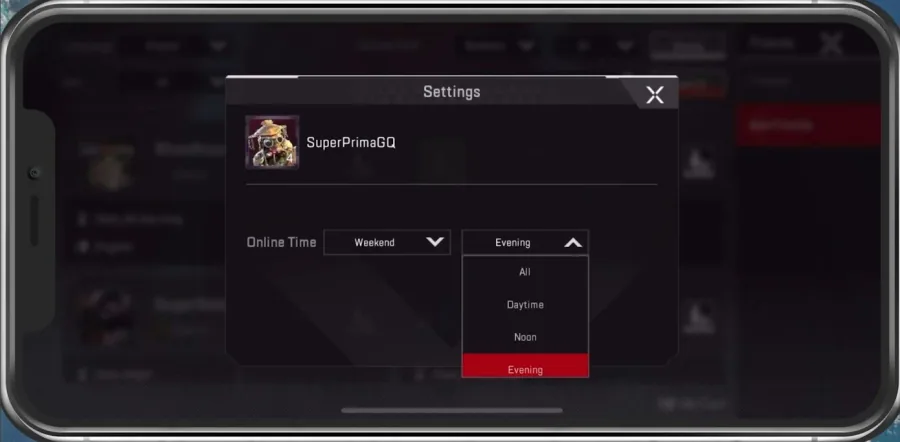
You can preview your username and change the Online Time options when tapping My…
You can preview your username and change the Online Time options when tapping My Card. If you’d like to preview your EA, Apple ID, or Facebook friends in your current friend’s list, then make sure to log in with the correct account. After linking your account, you will be unable to unlink it from this current account progress, and you will receive a linking bonus after logging in with the account.
Video walkthrough
If it does not work
- If the current interface differs, compare it with the recorded video walkthrough.