
Tech How reference
Video Size Calculator Pro
Plan video file sizes before you shoot or export with Video Size Calculator Pro. Instantly calculate based on resolution, FPS, codec, audio, and duration.
Video Size Calculator Pro - Professional Video File Size Calculator App

Predict, compare, and optimize video file sizes with precision. Built for filmmakers, editors, and content creators who need accurate storage and bitrate planning in seconds.

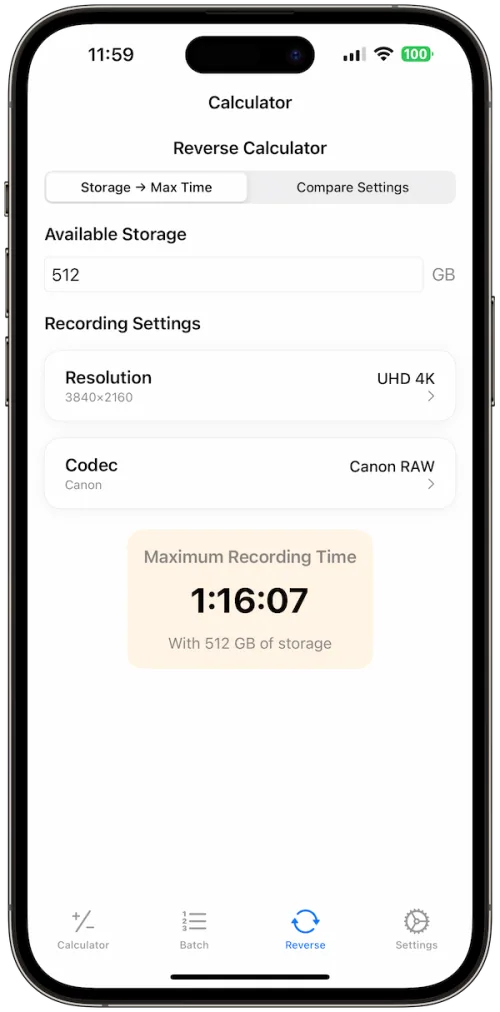
Reverse Size
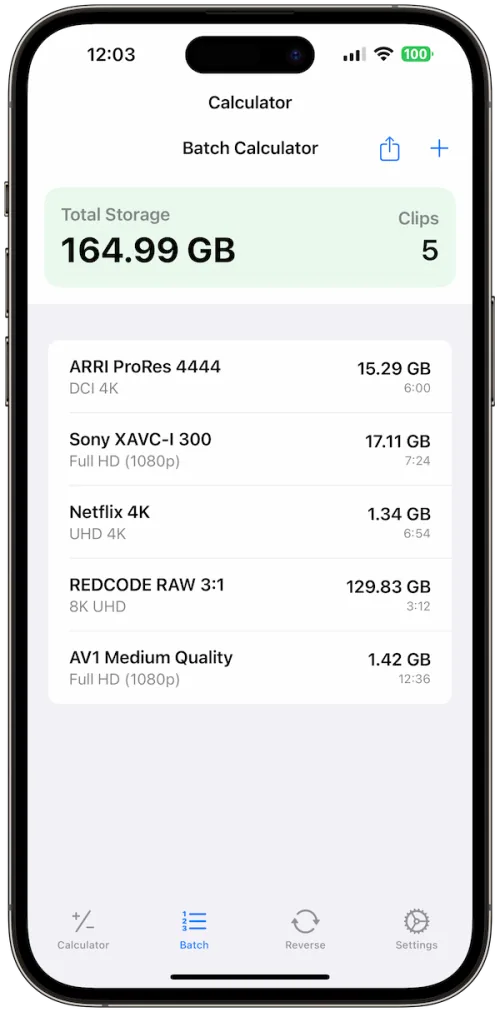
Batch Planner
Pro Presets
Dark Mode
Codec Smart
Compare Exports
Features with Benefits
Instant Size Calculator: Get real-time file size predictions for any codec, resolution, and frame rate.
Batch Planner: Manage multiple clips with unique settings and export total storage needs.
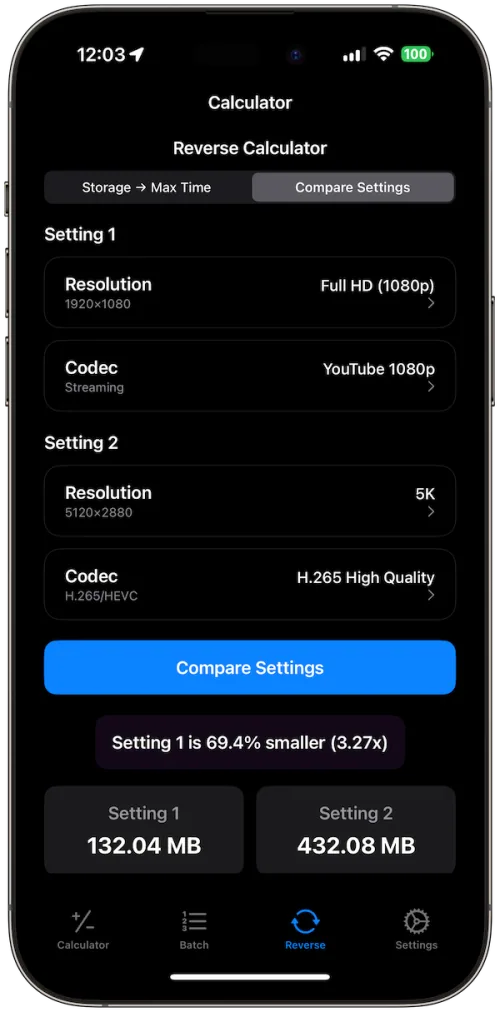
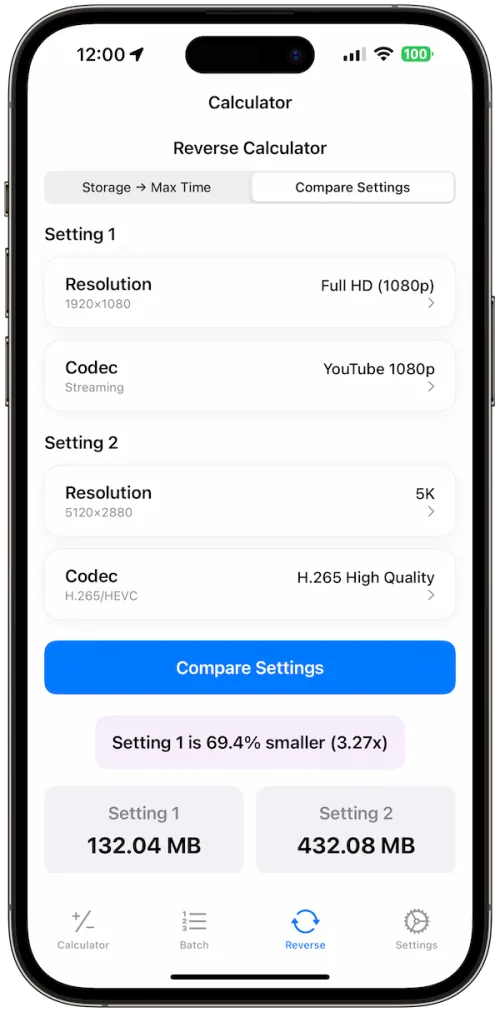
Reverse Calculator: Work backward from a target file size to the best codec and resolution.
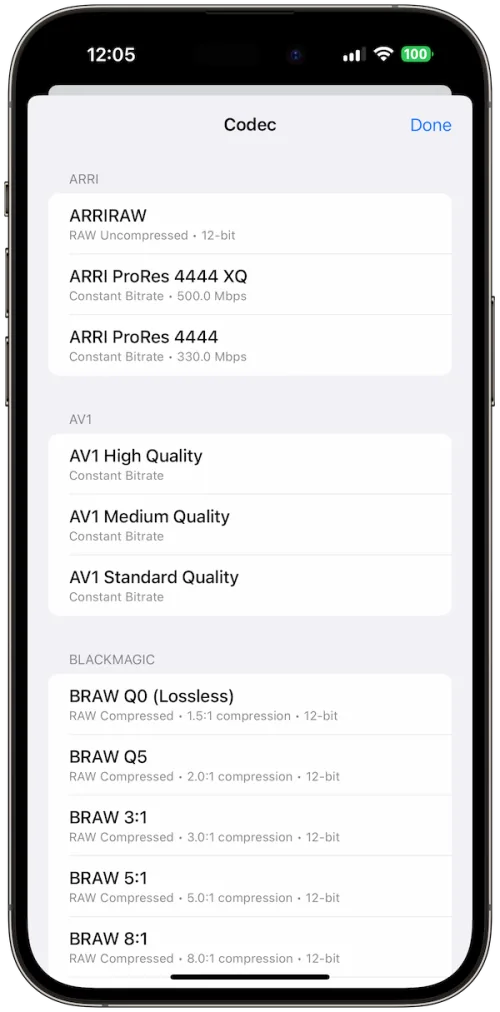
Codec Smart: Compare ProRes, H.265, RAW, and more to optimize quality vs. storage.
Audio Aware: Factor in audio formats and channels to fine-tune total size.
Storage Modes: Toggle binary vs. decimal for accurate industry-standard calculations.
Dark Mode Ready: Designed for comfort in any environment.
No Subscriptions: One-time purchase, unlimited professional use.
How It Works
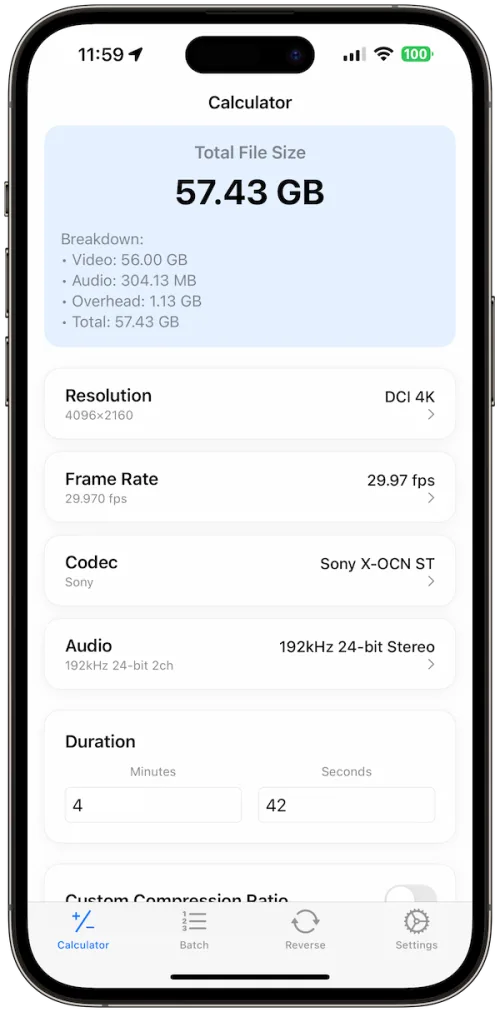
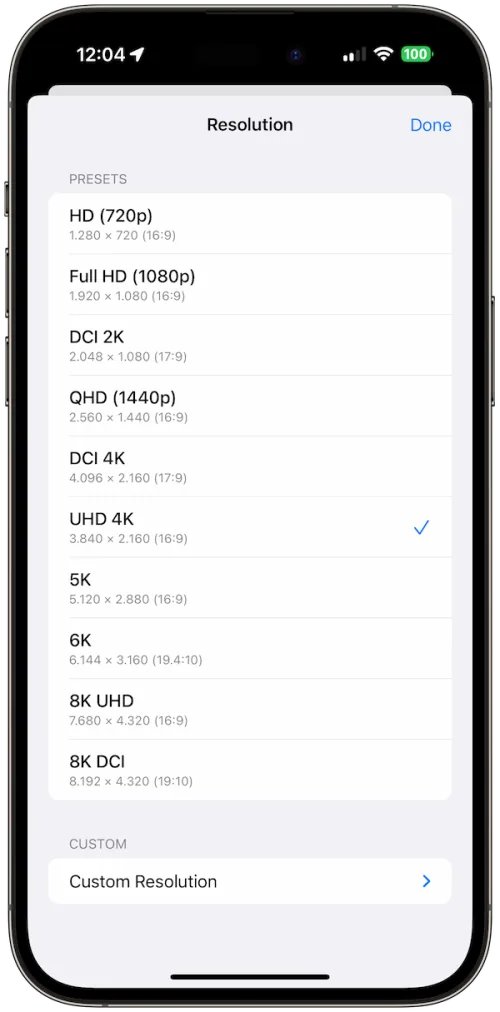
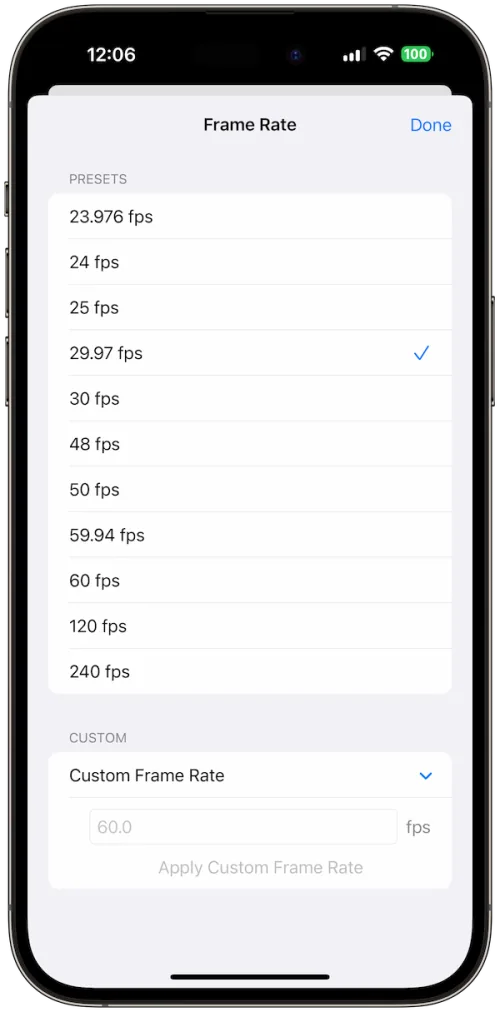
Video Size Calculator Pro makes professional video planning effortless. Start with the Calculator, where you can select from 20+ resolution presets (HD to 8K DCI), 15+ frame rates (23.976–120 fps), 25+ professional codecs (ProRes, H.264/H.265, RED RAW, Blackmagic RAW), and 15+ audio presets. Enter your clip duration and instantly see file size estimates with full breakdowns for video, audio, and overhead.
Need to handle complex projects? Use the Batch Calculator to add multiple clips with individual settings. Get per-clip and total storage requirements in one view, then export the data for planning.
If you’re working backward from a target file size, the Reverse Calculator suggests the optimal resolution, codec, and audio combination. You can even compare two different configurations side by side to balance quality and storage.
Whether you’re preparing for a film shoot, estimating YouTube uploads, or archiving in RAW formats, Video Size Calculator Pro gives you confidence and accuracy every time.