
Tech How reference
DriveSafe: Fog & Snow Alerts
Get evening & morning alerts for fog, snow, and sleet. Set safety thresholds once. DriveSafe watches the forecast so you can plan safer drives with confidence.
Plan safer drives with smart weather alerts
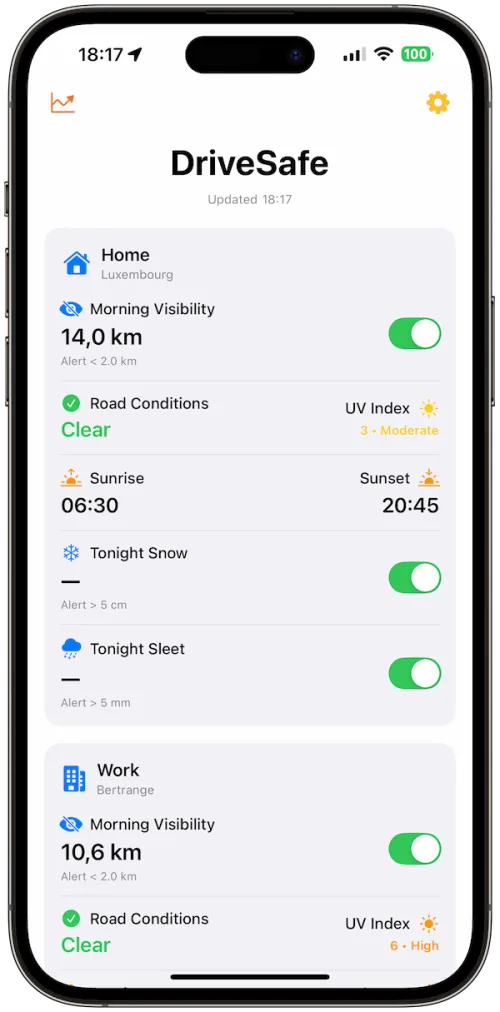
Get alerts when fog, snow, or sleet could make driving unsafe.
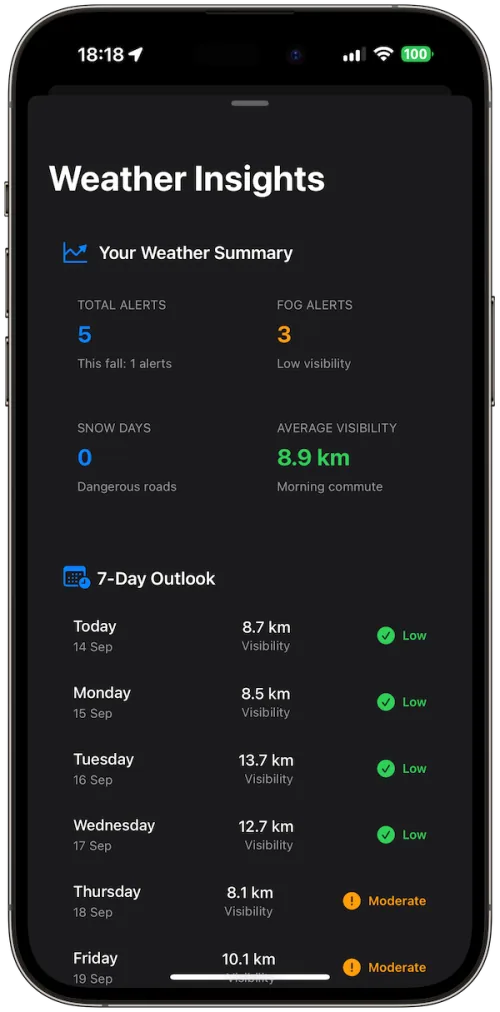
7-Day Outlook
Alert Controls
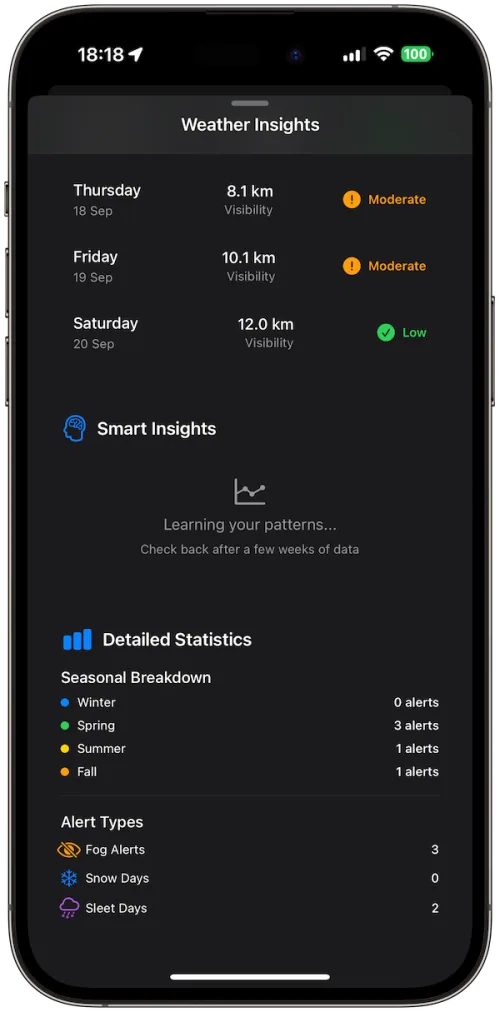
Smart Insights
Why DriveSafe?
Timely alerts: Preview tonight’s risk at 20:00 and get a morning heads-up at 05:00
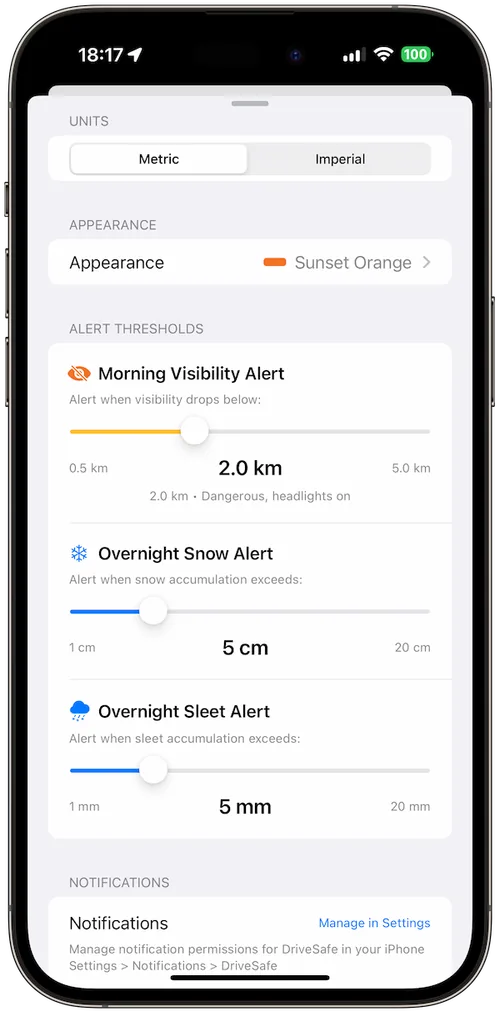
Your rules, not guesses: Custom thresholds for fog (visibility), snow (cm/in), sleet (mm/in).
Commute-first design: Set Home and optional Work (we store coordinates only, not addresses).
See the week ahead: 7-Day Outlook with Low/Moderate/High/Extreme indicators and details.
Know your patterns: 90-day history & insights (counts, seasons, weekday trends).
Powered by Apple WeatherKit with proper attribution. No accounts, no ads, no tracking. Settings stay on your device.
How It Works
Set locations: Choose Home (required) and Work (optional) via map search, manual entry, or current location. (Only lat/long are saved.)
Choose thresholds: Pick visibility, overnight snow, and sleet limits that match your comfort.
Get alerts: If the forecast crosses your limits, DriveSafe pings you at 20:00 (preview) and 05:00 (heads-up).
Plan smarter: Check the 7-Day Outlook and your 90-day history to spot trends and pick safer departure times.
Features
Custom thresholds with plain-language guidance
Configurable time windows for evening/morning checks.
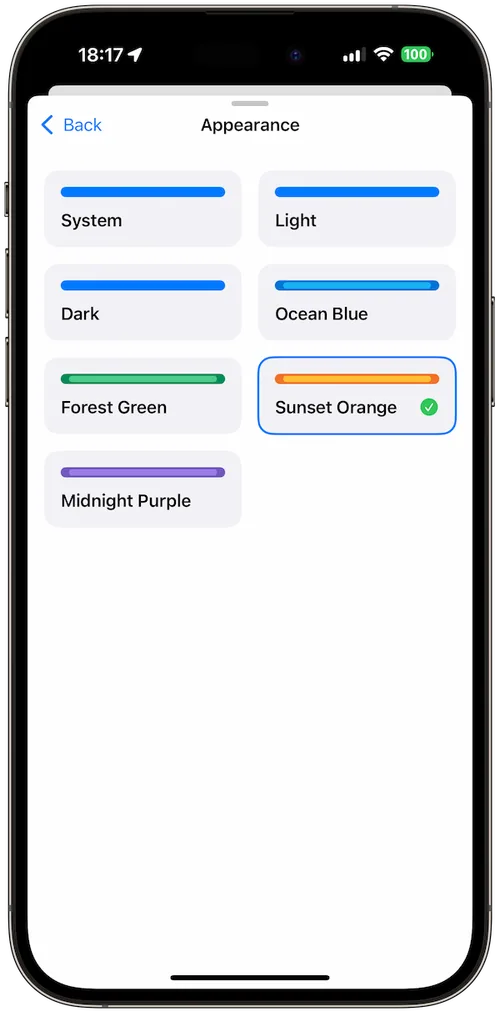
Metrics you understand: Metric/Imperial units, pull-to-refresh, big alert toggles, built-in Test Notification.
iPad-ready layout with adaptive sheets and sidebar navigation.